A Lightform alternative
for setups left without support
Lightform made scanning a room and mapping it feel easy, and many people still have an LF2+ or an LFC kit on a shelf. The company closed in 2022, so if you are looking for a Lightform alternative that keeps the scan-and-map idea alive, you are not alone. This page explains what happened, what your kit can still do, and how Prism Mapper picks up the same idea with the phone you already own.
What happened to Lightform
Lightform was a small San Francisco company that built projection mapping hardware and software. Its devices used a camera and structured light to scan a scene, and its Creator software for Mac and PC built content that fitted the scan. The range included the LF1 (a compact computer and camera), the LF2 and LF2+ (projectors with a scanning camera built in) and the LFC kit, an add-on for your own projector.
On 7 February 2022 Lightform announced it was stopping all hardware production and winding down. The company has said the pandemic froze the events and hospitality work it depended on. Cloud services and technical support ended on 12 August 2022, and Lightform's site now says it is permanently closed.
If you bought into Lightform, none of this is your fault, and your kit is not suddenly worthless. It is worth knowing exactly where things stand.
What your Lightform kit can and cannot do now
Based on Lightform's own close-of-business notes.
- Devices still run
- Lightform said devices on their final firmware should keep working as intended with supported operating systems.
- Creator is frozen at 2.4.1
- Your perpetual licence still stands, but there will be no new releases, so a future Mac or Windows update could stop it running.
- No cloud, no support
- Anything that relied on Lightform's cloud ended in August 2022, and there is nobody to call if something breaks.
- Self-help only
- Lightform pointed users to its online guide and FAQ. Save anything you rely on, as those pages may not stay up for ever.
- Your content is yours
- Videos and images you made or collected for Lightform shows are ordinary files you can reuse elsewhere.
Lightform then, Prism Mapper now
Lightform paired special hardware with desktop software. Prism uses a projector, a laptop and a phone.
| Feature | Prism Mapper | Lightform |
|---|---|---|
| Status | Actively developed | Closed in 2022 |
| Support | Manual and support; priority on Studio and Pro | Ended 12 August 2022 |
| Scanning | Your phone, beside the projector | Camera in the Lightform device |
| Special hardware | None: any projector as a second screen | LF1, LF2/LF2+ or LFC kit |
| Software | Runs in the browser | Creator for Mac and PC (final 2.4.1) |
| Software updates | Ongoing | No new releases |
| Music reaction | Beat-reactive looks on every plan | Sound-reactive (LF2+) |
| Several projectors | Up to 4 (Studio), unlimited (Pro) | LFC kit was for larger set-ups |
| Cost to start | Free plan | No longer sold new |
Lightform details from lightform.com (home page), lightform.com/blog/lightforms-sunset (7 Feb 2022) and Lightform's "Close of Business & End of Support" post at lightform.com/blog. Checked October 2026.
A Lightform alternative without special hardware
What made Lightform feel special was the scan: the device measured the scene, so you did not have to trace every edge. Prism keeps that. The projector shows a series of black and white stripes, your phone watches from beside the lens, and Prism works out where every projector pixel lands. Then it finds the separate objects and asks what you want to map.
Over an HDMI cable the scan takes about half a minute. The phone needs no app: it opens a camera page from a QR code, on an iPhone with Safari or an Android phone with Chrome. Read how the phone scan works.
From there, each surface gets its own moving look, your own images and videos (on Creator and above) or an AI animation made for its shape. Looks react to music, and you can save scenes and step through them.
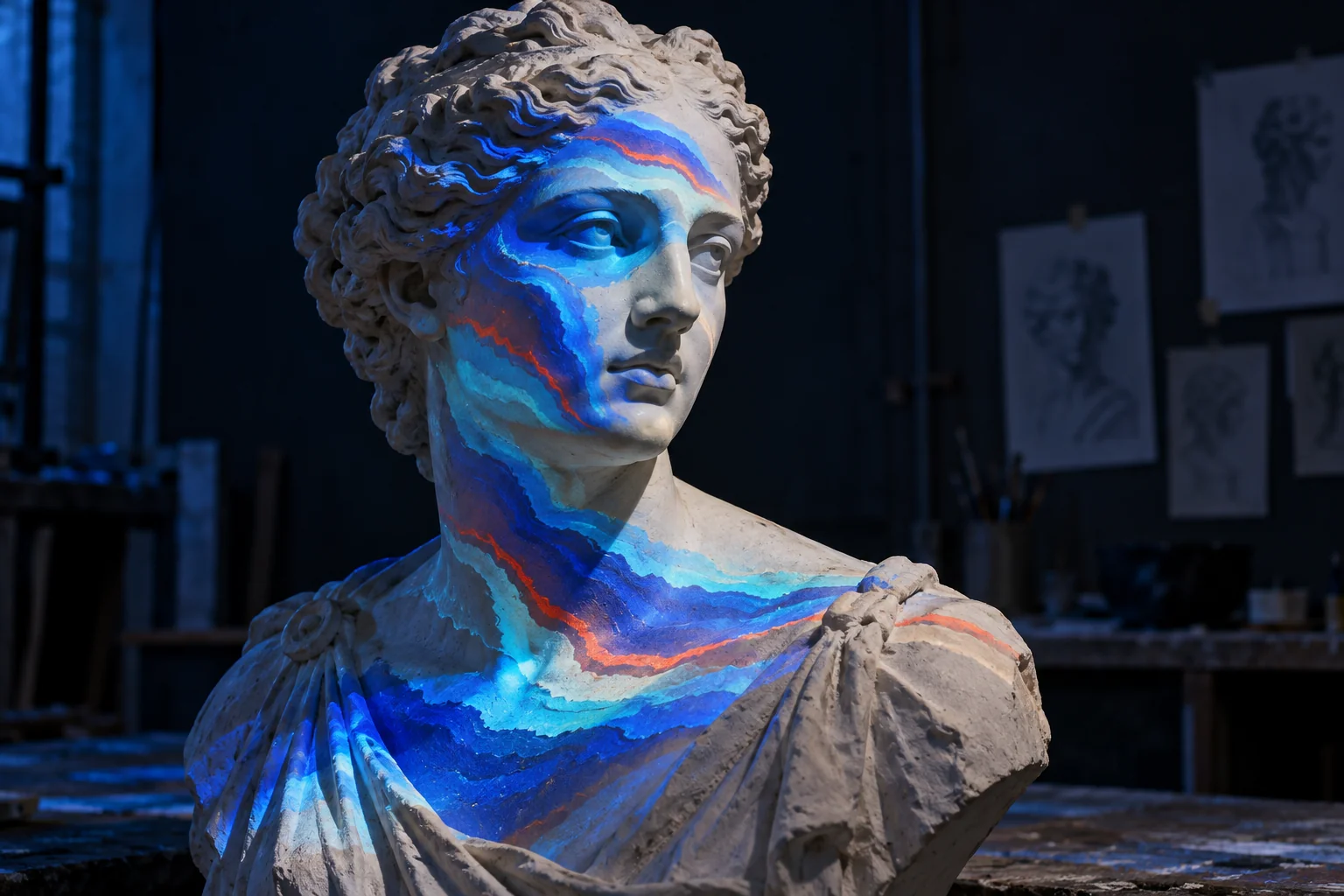
Moving a Lightform setup to Prism
- 01
Keep the scene, check the projector
Your objects and room are the same. If you used an LFC kit with your own projector, that projector is all Prism needs.
- 02
Gather your media
Copy the videos and images you used into one folder. Prism takes MP4 or WebM video and PNG, JPEG or WebP pictures.
- 03
Connect a laptop
Plug the projector into a laptop by HDMI as an extended screen and open Prism in Chrome or Edge.
- 04
Scan with your phone
Pair your phone, prop it next to the lens, dim the room and scan. Pick the objects you want from the results.
- 05
Rebuild the looks
Give each surface a look or one of your files, then save scenes. Export a backup file before your next show.
Is Lightform still in business?
No. Lightform stopped hardware production in February 2022 and ended its cloud services and support on 12 August 2022. Its website now says it is permanently closed.
Does Lightform Creator still work?
Lightform said its final Creator version, 2.4.1, should keep working with the operating systems supported at the time. It will not be updated, so a newer Mac or Windows release may stop it running.
Can I use my Lightform content in Prism Mapper?
Prism cannot open Lightform project files. Your source videos and images are ordinary files, though, and you can add them to Prism on the Creator plan or above, then scan the room again.
Do I need a special camera to scan with Prism?
No. Prism uses your phone's normal camera through the browser, with nothing to install. A small tripod or a stack of books keeps it still during the scan.
What is the closest thing to Lightform today?
If you liked Lightform's scan-then-map approach, look for software that measures the scene for you. Prism Mapper does this with a phone and an ordinary projector, and you can try it on the free plan.
Give your projector a second life
Scan your old Lightform scene with your phone and map it again on the free plan.
Start creating free