Projection mapping software online
what “in your browser” really means
Prism Mapper is projection mapping software online: you open it in Chrome or Edge and the studio, the projector output and the music analysis all run in that browser. Nothing to download or install. This page is the honest version of what that means: what runs where, what you need, where your work is kept, and what a browser cannot do.
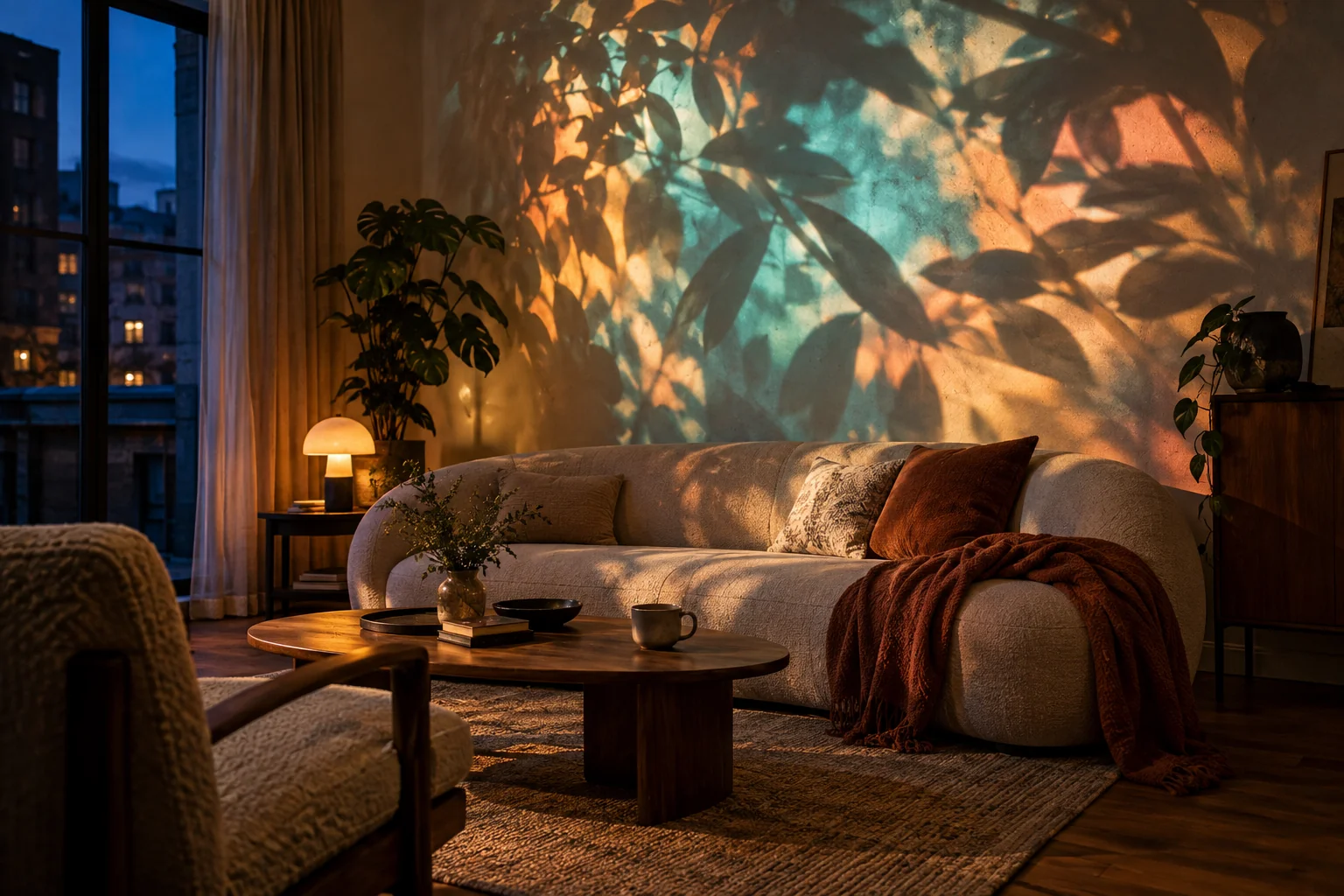
Projection mapping in the browser, without the catch
A browser tab today can draw fast graphics, listen to a microphone, open windows on other screens and store large files. That is everything a mapping studio needs. So instead of an installer, you go to the app’s address, sign in, and start a project.
It is the full studio, not a cut-down web demo: shapes, 3D objects, mesh warping, moving looks, music reaction, scenes and a show screen. The projector is just a second screen to your laptop, and Prism draws its picture in a window you put on that screen and make fullscreen.
There is still a small amount of setup, and a few things depend on your browser. They are all below.
What happens on your computer
Most of the work never leaves your laptop.
The studio
Editing, looks and playback run in the tab. Every change saves as you go, into this browser.
The projector window
A second browser window, fullscreen on the projector. In Chrome and Edge, Find screens can open it straight on the right display.
The object finder
After a phone scan, the model that separates your objects runs on your computer. It downloads once (about 450 MB) and is reused from then on.
Sound
The microphone, the computer’s own sound or a video’s soundtrack, analysed in the browser for the beat and the level.
The phone scan
The phone’s camera page talks to your laptop through the Prism server; only the finished scan and one photo are passed on.
AI generation
The only part that goes to outside services, and only when you ask for it. Results are saved back into your browser.
What you need
- Chrome or Edge on a laptop or PC
- These are the browsers Prism is built for. Other browsers work on a best-effort basis: window placement, graphics and file storage work best in these two. Use a desktop computer for editing and projector output.
- Windows or Mac
- The manual’s setup notes cover both, for example setting the projector to Extend on Windows (Win + P) or turning off mirroring on a Mac. On a Mac, capturing the computer’s own sound needs a loopback input.
- Chromebooks and other devices
- Not certified. Whether they work depends on the device’s graphics, permissions and screen handling, so rehearse on the exact machine you will use.
- A projector as a second display
- HDMI is best; USB-C and DisplayPort adapters work the same way. Set it to extend the desktop, not mirror it.
- A phone, if you want to scan
- An iPhone with Safari or an Android phone with Chrome. Nothing to install on it.
- An internet connection to open the app
- Opening or reloading the studio needs to reach the Prism server, and so do phone pairing and AI. A tab that is already loaded keeps playing local media.
Where your projects live
Projects, imported images, videos and songs are stored in your browser’s own storage on that computer, and saved as you go. Importing a file does not upload it anywhere.
That storage belongs to one browser profile and one exact address. Another browser, another profile or a private window will not see your projects, and clearing site data can remove them. So treat the browser as your working copy, not your only copy.
For a backup, export the project as a .pmproj file. It holds the shapes, scenes, cues, timelines, scans and the media they use. Import it on another computer to carry on there. The projects and backups page covers it step by step.
What a browser studio cannot do
Worth knowing before you plan a show.
- It is not an offline app
- A loaded tab keeps running, but a reload needs the server. Load the object finder before you travel, and test a reload at the venue.
- Some features depend on the browser
- Placing windows on other screens and sharing the computer’s sound are Chrome and Edge features. Elsewhere, drag the projector window across by hand.
- File sizes
- Images up to 25 MB, videos up to 1 GB and songs up to 300 MB per file, and the browser must be able to decode them.
- Your hardware sets the pace
- Several large videos, high resolutions or heavy layered looks can outrun a laptop. Rehearse your busiest scene at show resolution.
- Plan limits
- The free plan has one projector, 12 starter looks, two saved projects and a small watermark. Your own media, more looks, the timeline and more projectors come with paid plans.
From browser tab to projector
- 01
Open the app
Go to app.prismmapper.com in Chrome or Edge and sign in or create a free account.
- 02
Connect the projector
Plug it in and set the displays to extend.
- 03
Open the projector window
Start a project, click Open window, move it to the projector and click inside it to go fullscreen.
- 04
Find your surfaces
Scan with your phone, or draw shapes by hand.
- 05
Light them up
Give each surface a look, add music and save scenes. New to all this? Read our beginner’s guide or see what Prism Mapper is.
Is there projection mapping software that runs in a browser?
Yes. Prism Mapper runs in Chrome or Edge with nothing to install, including the projector output, the music reaction and the scan processing.
Does browser projection mapping work on a Mac?
The manual covers Mac setup, such as turning off display mirroring, and Prism runs in Chrome or Edge. Capturing the Mac’s own sound needs a loopback input; the microphone works without one. As with any computer, rehearse on the Mac you will use.
Can I use Prism Mapper on a Chromebook?
Chromebooks are not certified. Whether one works depends on its graphics, permissions and screen handling, so test on the exact device before relying on it.
Where are my projects saved?
In your browser’s storage on that computer, saved as you go. They belong to that browser profile and address, so export a .pmproj file as a backup or to move to another computer.
Does it work offline?
Not fully. An already loaded tab keeps editing and playing local media, but opening or reloading the studio, pairing a phone and AI generation need a connection to the server.
Is it free?
It is free to start: the free plan includes the full studio with one projector, 12 starter looks and two saved projects, with a small watermark. Paid plans add your own media, every look and more.
Open it in a tab
Nothing to install: open Prism Mapper in Chrome or Edge and plug in your projector.
Start creating free