DJ booth projection mapping
that keeps time with your set
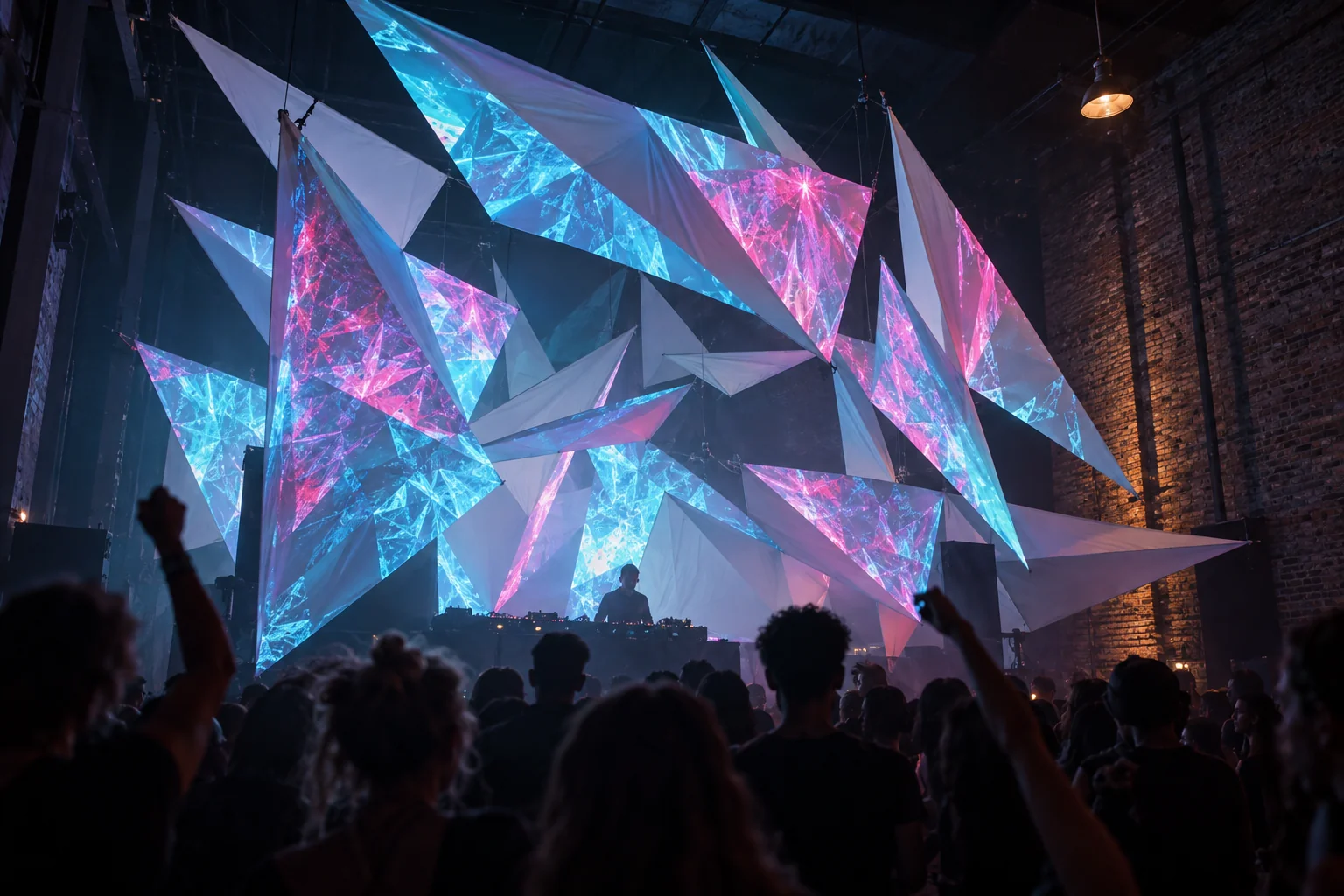
DJ booth projection mapping makes a folding table and a white cloth look like a stage. Every panel of the booth lights up on its own and flips colour on the kick. Prism Mapper runs in Chrome or Edge on the laptop next to your decks, listens to your mix and puts the visuals on the beat, without a separate VJ.
You have about twenty minutes before doors
Mobile DJs and club residents rarely get a quiet hour to set up visuals. So plan for the short version: the projector goes up while the decks are being cabled, and the mapping is done before your first track.
Over HDMI, the phone scan takes about half a minute. Prism finds each panel of the booth, the banner behind you and anything else pale in the beam, and draws the shapes for you. Build your scenes at home on the same booth and the gig is mostly a rescan and a sound check.
If the projector gets knocked during the night, scan again between tracks. The mapping belongs to where the projector sits.
Booth surfaces that take light well
Pale and matt beats shiny and black every time.
- A white booth front
- A stretch-fabric facade or a white-painted panel front is the ideal canvas. Each panel becomes its own surface.
- The wall or banner behind you
- A big, calm surface for slower looks, while the booth carries the beat.
- Boxes and plinths
- White boxes stacked at the sides of the booth give you more faces to flip on the beat. See projection mapping on boxes.
- Fabric sails over a small stage
- Suspended fabric catches light from below and reads from across the room.
- Skip the speakers
- Black speaker cabinets swallow light. Leave them out of the mapping and let them stay dark.
Set up DJ booth projection mapping in six steps
- 01
Projector up, as a second screen
HDMI to the laptop, Win + P ▸ Extend. Turn off auto-keystone and eco dimming in the projector menu, and focus by hand.
- 02
Open the projector window
Setup ▸ Outputs ▸ Open window, drag it to the projector and click inside to go full screen. The status light says P1 ready.
- 03
Scan the booth
Prop the phone beside the lens, dim the room lights and press Start scan. Pick the surfaces you want.
- 04
Feed it the mix
A line out from the mixer or controller into the laptop beats a microphone. If your DJ software runs on the same Windows laptop, choose This computer’s sound instead.
- 05
Check the beat
Watch the beat lamp flash on the kick. Tap tempo if the room is noisy, and click This is 1 on a downbeat.
- 06
Switch to Show mode
Big GO, your scenes as tiles, trigger pads and Blackout, with nothing you can change by accident.
Staying on the beat all night
Prism predicts the next beat from the tempo clock, so beat effects can land on the kick instead of after it.
Latency compensation
Beat effects fire 60 ms early by default to cover the time light takes to reach the wall. If flashes land after the kick, raise it a little at a time.
MIDI clock
Send a MIDI clock from your DJ software or DAW and Prism follows its tempo instead of guessing from the sound.
Fast genres
Drum and bass often reads as half time. Press ×2, or set the tempo range to 90–180 BPM.
Wireless projectors
On a slow link, react to the beat rather than the kick or bass. The beat is predicted and drawn early; drum hits can only follow the sound as it arrives.
Run it from a pad, not the trackpad
In Show mode, Space is always GO, B is Blackout and T fires the Tap pad, which flashes white by default. Pads 1 to 9 can jump to a scene, flash, or roll new random colours.
Plug in a MIDI controller, click Learn a button and press a pad: it becomes GO. Learn a knob and it can drive the brightness or any setting of any surface. MIDI works in Chrome and Edge. Details are in MIDI, OSC, keys and triggers.
Keep one calm scene you can fire at any moment. When a track goes somewhere you did not plan, it gets you out cleanly.
The flash limit, and which plan a gig needs
Fast strobes can trigger seizures in people with photosensitive epilepsy, and a lit booth fills the whole room’s view. Prism holds every projector to three flashes a second by default; a faster strobe becomes a gentle flicker, and Beat Strobe skips beats at high tempos. Pulses and colour flips on the beat look great without strobing. Switch the limit off only for an audience that has been warned. More in Flash safety.
You can try all of this on the free plan: one projector, starter looks, and reactions to the beat and the volume, with a small watermark. Paid gigs are commercial use, which starts on the Studio plan. Studio also adds Show mode, MIDI, OSC and keyboard triggers, and up to four projectors with edge blending.
How long does it take to set up projection mapping at a gig?
With a booth you have mapped before, plan on the time it takes to place the projector plus a short scan, which takes about half a minute over HDMI. Build and save your scenes at home, so on the night you only rescan and check the sound.
Do the visuals follow the beat automatically?
Yes. Prism finds the tempo in the music, or follows a MIDI clock, and beat looks and scene changes follow it. You can tap the tempo or lock it if a breakdown confuses it.
Should I use a microphone or a line input?
A line input from the mixer or DJ controller gives a clean signal. A room microphone also hears the crowd and the echo, so the beat locks later or not at all.
Can I control the visuals with my MIDI controller?
Yes. Pads can fire GO, scenes, flashes and Blackout, and knobs can move any setting. MIDI needs Chrome or Edge, and live control is on the Studio plan.
Are strobe effects safe for a club crowd?
Prism limits every projector to three flashes a second by default, following the WCAG “three flashes” rule. It reduces the risk but cannot guarantee a show is safe for everyone, so tell the venue about strong light effects.
Bring the booth to life at your next set
Open Prism Mapper in Chrome, scan your booth and start free.
Start creating free