Music reactive projection mapping
how the sound moves the light
Music reactive projection mapping lights real objects and lets the song decide what happens next: a wall that breathes with the volume, a box that flips colour on every kick, an outline that races faster when the chorus lands. Here is how Prism Mapper listens, what it hears, and how you choose what moves.
Where the sound comes from
Prism listens to one source at a time: the laptop’s microphone, a line input from a mixer, everything the computer plays (Spotify, a DJ app, a video), or the soundtrack of a video in your library. Click Sound in the top bar, pick a source and press Listen.
The sound is analysed on your computer. Nothing is recorded or sent anywhere. A moving waveform, a level meter and a beat lamp show you that it is arriving, so you never wonder why nothing moves.
On Windows, Chrome and Edge can share the system’s sound directly. On a Mac the browser cannot, so use a virtual audio device and pick it as the microphone. Sound and tempo has the details for each source.
The parts of a song that can drive a look
Prism splits the music into things a look can follow. Each one moves differently, which is what gives a show depth.
Volume
How loud the music is right now. Good for slow, flowing changes: a wall that dims in the quiet verse and swells in the chorus.
The beat
A pulse on every beat from Prism’s tempo clock, which predicts the next one. It keeps time even in silence, at 120 BPM until it hears better.
Bass, mid and treble
Three sound bands: bass from 30 to 150 Hz, mid from 250 Hz to 2 kHz, treble from 4 to 12 kHz. Advanced mode adds eight narrower bands.
Kick, snare and hi-hat
Individual drum hits. They jump on each hit and fade fast, so they suit punchy flips and pops.
Bar and beat ramps
Smooth rises across each beat or bar, for movement that sweeps in time rather than jumping.
How to make a look move with the music
From the quickest to the most precise. You can use all three at once.
- 01
Turn up the look’s own Audio amount
Many looks have one. Raise it from 0% and choose what it reacts to: Plasma’s rings bloom with the bass, Kaleidoscope’s zoom pulses on the kick.
- 02
Switch on Pulse with the music
Works on any look, even a plain colour or a photo. The surface dims in the quiet parts and lights up on the loud ones.
- 03
Add a one-click reaction
Flash on the beat, change colour every beat or bar, speed up while the music is loud, or grow with the bass.
- 04
Tie any setting to the sound
In Advanced, right-click a setting ▸ Modulate ▸ Audio and pick what it listens to. That is automation, below.
Sound-reactive control over every setting
Automation connects one part of the sound to one setting: the kick flips a switch, the bass moves the scale, the hi-hat turns the hue. A small Response block shapes it. You set which part of the sound counts, how far the setting moves, the curve, and how fast it rises and falls.
Presets get you there in one click. Punchy jumps on each hit and drops back quickly. Smooth follows without flicker. Breathing rises and falls with the energy of the song. Gate on kick lets only the strong kicks through. Slow swell builds over a few seconds of loud music.
Read more in Automation and React to the music.
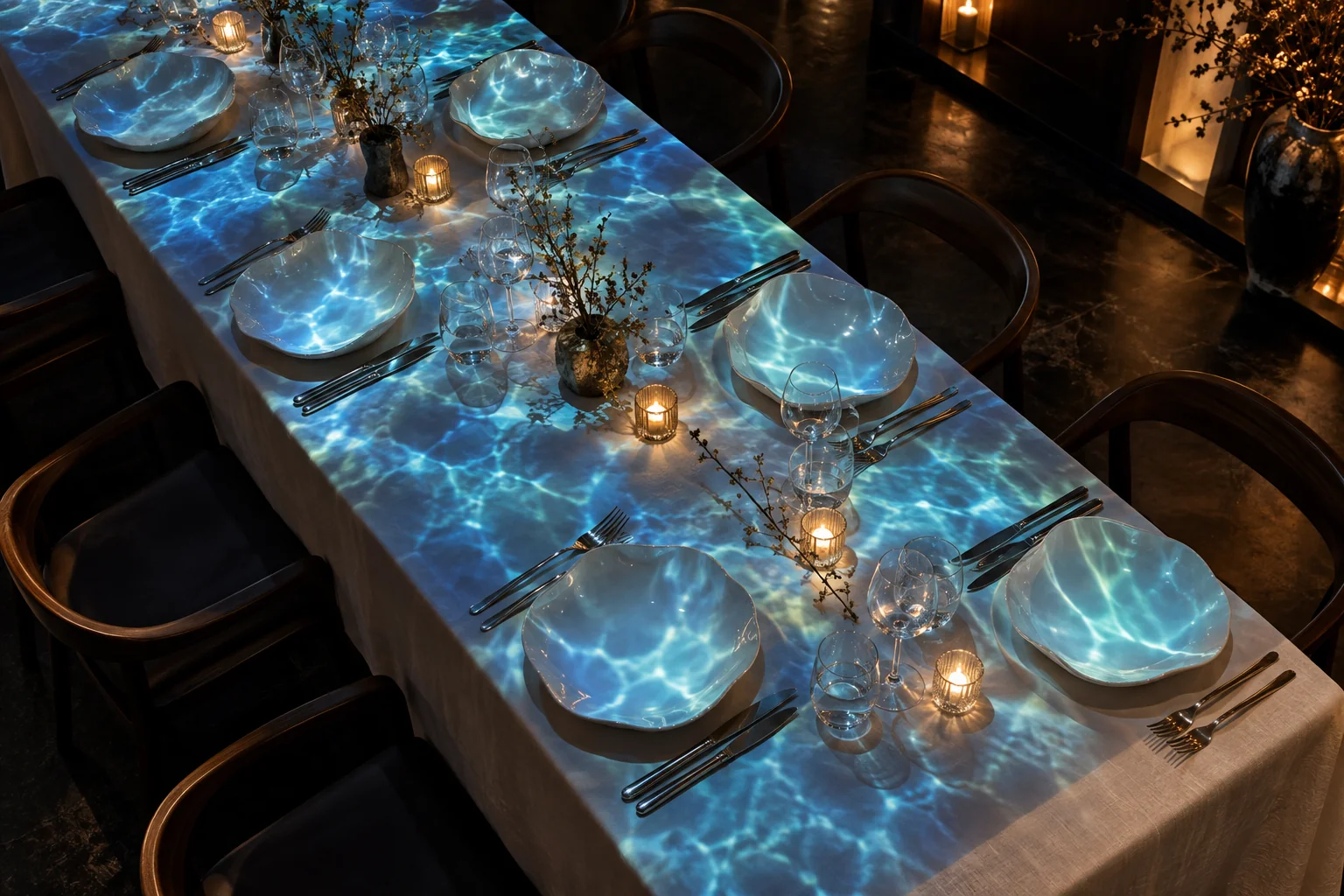
Music reactive projection mapping that looks good
- Less is more
- Two or three surfaces reacting strongly read better than everything pulsing a little.
- Mix the kinds
- One surface on the kick, one on the bass, one breathing with the volume. That gives a room depth.
- Tune the input, not every look
- If everything reacts too much or too little, change Sensitivity in the Sound panel once.
- Tap in a noisy room
- Party chatter confuses a microphone. A few taps on Tap tempo anchor the beat, and a cable from the speaker source is better still.
- Prefer the beat on Wi-Fi
- On a wireless projector, beat effects are drawn early and land on time; kick and bass reactions arrive as late as the link.
- Keep the flash limit on
- Beat flashes are held to three a second by default, which keeps a living room full of guests comfortable.
What reacts on the free plan
On the free plan, looks react to the beat and the volume. That already covers Pulse with the music, flashes on the beat and colour changes on every beat or bar, on one projector with a small watermark.
The Creator plan adds every other music reaction and automation: the bass, mid and treble bands, the kick, snare and hi-hat, LFOs and routes. It also adds music energy detection and the timeline, for a show cut to one song. Want to see it on real objects first? Try projection mapping with your phone.
Can projection mapping react to music from Spotify?
Yes. Choose This computer’s sound in the Sound panel and share your screen with system audio switched on (Chrome and Edge on Windows). Prism uses only the sound and drops the picture at once.
Does it need a microphone?
No, but the laptop’s built-in one is enough to start. A line input or the computer’s own sound gives a cleaner signal than a microphone in a loud room.
Why are my visuals a little behind the music?
Light takes a moment to reach the wall. Prism predicts the beat and fires beat effects 60 ms early by default; raise the latency compensation if flashes still land late. Bass and drum reactions follow the sound as it arrives, so on a wireless projector use the beat instead.
Will the lights keep moving when the music stops?
Anything set to the beat keeps pulsing on the tempo clock, even in silence. Reactions to the volume, bass or drums go still until the music comes back.
Is music reactive projection mapping free?
You can start free: the free plan reacts to the beat and the volume. Reactions to the sound bands and individual drums, plus automation, come with the Creator plan.
Put your playlist on the wall
Open Prism Mapper in Chrome or Edge, press Listen and watch the room move.
Start creating free