Every look
All 93 looks that come with prism, pictured by prism itself. Browse them here, then find one in the library by typing its name. Each picture is the look at its own settings; its presets and settings can make it look very different.
1Use a look from this page
- In Design, select the surface: click it on the canvas or in the Surfaces list.
- Click its look (the material slot at the top of the inspector). The library opens beside it.
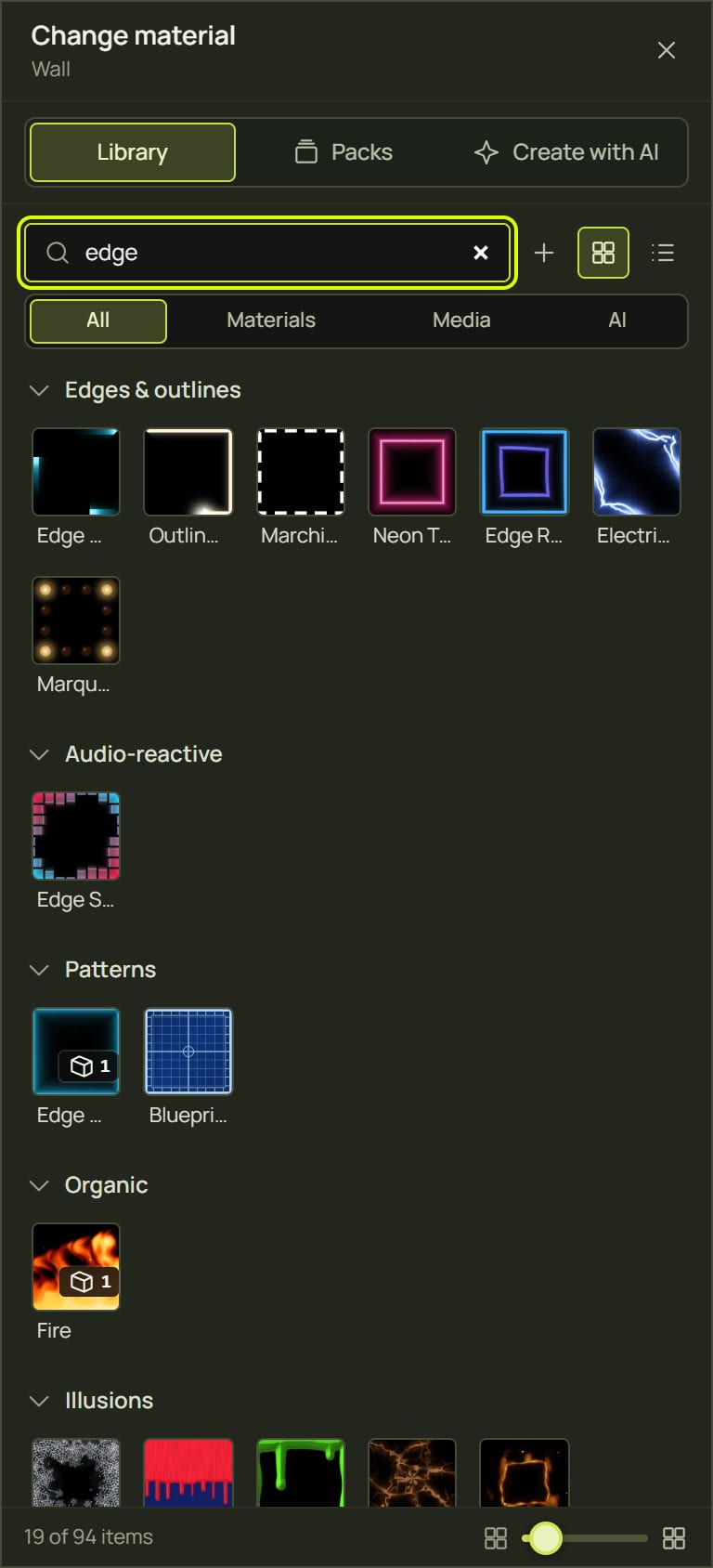
- Type the look’s name in Search, then click its tile. The look goes on the surface and the look panel opens with its presets and settings.
2What the badges mean
| Badge | What it means |
|---|---|
| 🎵 Reacts to the music | It moves with the sound or the beat. The Audio-reactive looks react as they are. Most others have an Audio amount setting in their Audio group (Fireworks: Bursts on kicks) that sets how much they react; it starts at 0, and some also step with the beat on their own (Surface Chase, Scene Wave, Step Sequencer). Without music the beat runs at 120 BPM. |
| ⏱ A transition | It goes from one state to another: with Auto-play it plays by itself (loop, bounce or once); switched off, Progress sets how far it has got, so a fader, a ramp or a cue can drive it. The pictures here are held part-way. |
| ✎ Follows the outline | It is built round the surface’s outline: light along the edges or an effect creeping in from them. It fits any shape, not just rectangles. |
3Basic
The mapping staples: one colour, a soft gradient, a breathing glow. Plain looks are also the base you stack see-through looks on.

Blocking a surface out in one even colour, and a base for see-through looks.
Main settings: Colour · Brightness
Presets: Warm white, Deep blue, Magenta
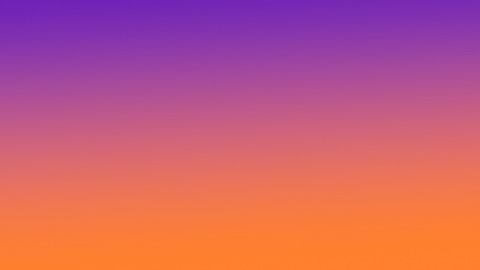
Soft washes on walls and plinths; calm backgrounds behind text.
Main settings: Colour A · Colour B · Type · Drift speed
Presets: Sunset, Ocean glow, Candy

A gentle breathing glow for quiet moments, heartbeats and warning blinks.
Main settings: Colour · Rate · Shape
Presets: Slow breath, Heartbeat, Signal blink
4Light & strobe
Light that moves: flashes, washes, sweeps, spotlights, lasers, and chases that run across all your surfaces.

Hard flashes over other looks for drops and peaks (flash-limited for safety).
Main settings: Colour · Rate · Flash length · Flash
Presets: Club white, Storm scatter, Pixel party
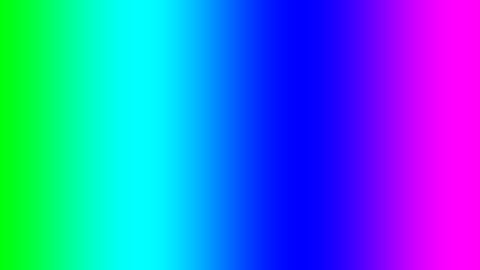
Rainbow washes and stage-light colour changes.
Main settings: Speed · Spread · Shape · Saturation
Presets: Slow wash, Colour wheel, Jump chase
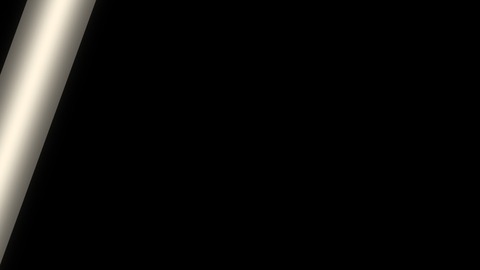
A shine across a logo or picture, or a scanner sweep.
Main settings: Colour · Direction · Sweeps per second · Width
Presets: Glass shine, Scanner, Laser line
Moving-head pools of light that light up the looks below.
Main settings: Colour · Lights · Size · Speed
Presets: Warm theatre, Disco, Searchlights
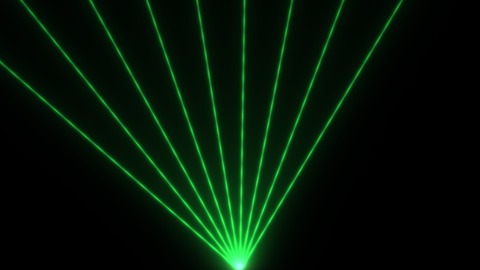
Club laser beams fanning, spinning and scissoring across a wall.
Main settings: Colour · Beams · Motion · Speed
Presets: Green fan, Rainbow spin, Red scissors
Running lights across many surfaces in list order, stepped by the beat.
Main settings: Colour · Pattern · Surfaces lit · BPM sync
Presets: Warm chase, Rainbow bounce, Neon build
A wave of light across the whole room, lighting each surface as it passes.
Main settings: Colour · Direction · Width · BPM sync
Presets: Blue wave, Amber fill, Scanner
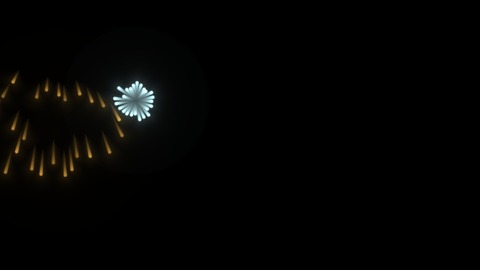
Celebrations, countdowns and finales; kicks can fire extra bursts.
Main settings: Palette · Spark size · Trail · Bursts per second
Presets: Festival, Gold willow, Kick bursts
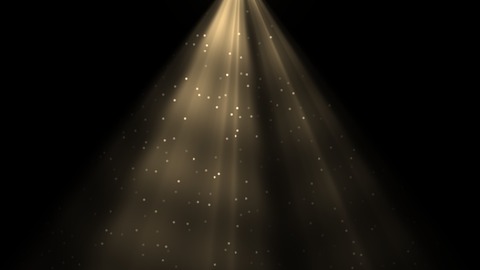
Cathedral light, underwater shafts and stage beams through haze.
Main settings: Colour · Intensity · Rays · Speed
Presets: Cathedral, Underwater, Stage beam
Presets worth trying
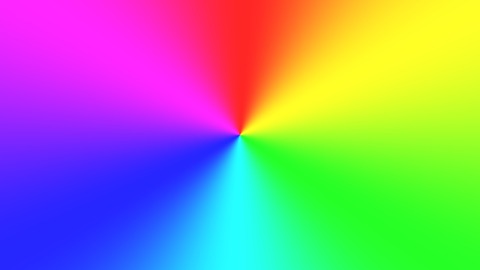
The whole rainbow turning round a centre point.
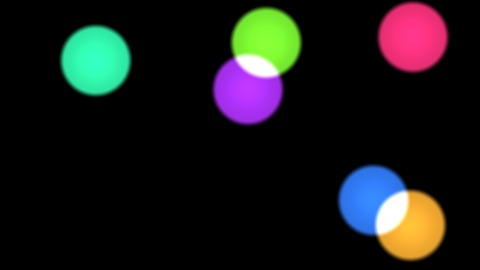
Coloured pools of light that mix where they cross.
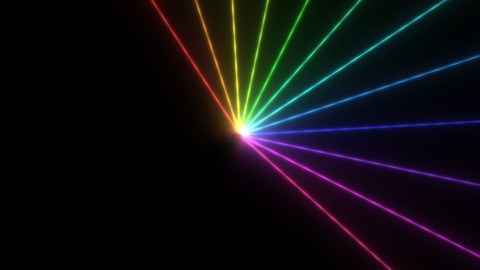
Rainbow beams spinning from the middle of the surface.
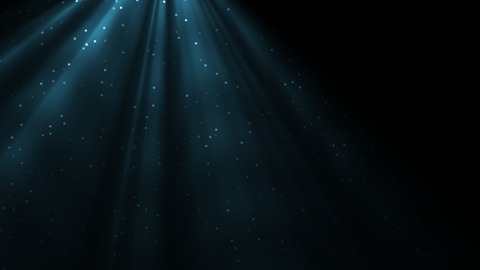
Blue shafts of light with specks drifting through.
5Edges & outlines
Light that follows the outline of each shape: the classic mapping look that makes a real object pop.
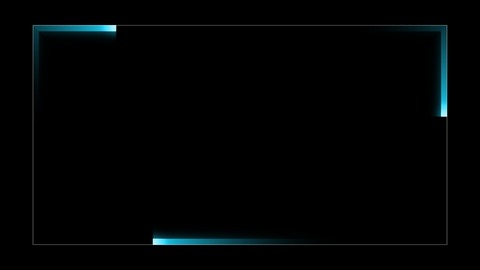
Racing lights round a shape’s outline, or police lights.
Main settings: Colour · Comets · Tail length · Speed
Presets: Racing lights, Police, Lone comet
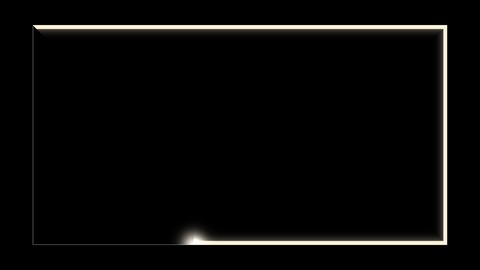
Drawing an outline in, in seconds or in bars of the music.
Main settings: Colour · Width · Style · Auto-play
Presets: Pen stroke, Bar builder, Slow reveal
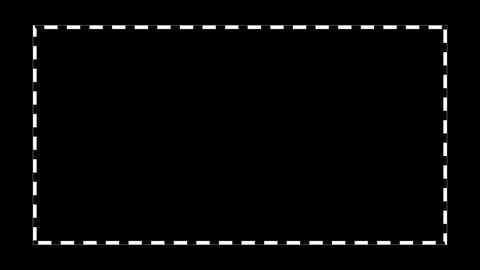
Dashed outlines, runway lights and hazard tape.
Main settings: Dash colour · Dash · Width · Speed
Presets: Selection, Runway dots, Hazard tape
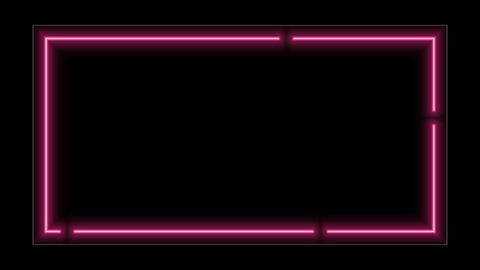
A neon sign that follows the outline, flicker and all.
Main settings: Colour · Tube width · Halo · Flicker
Presets: Bar sign, Failing tube, Warm white
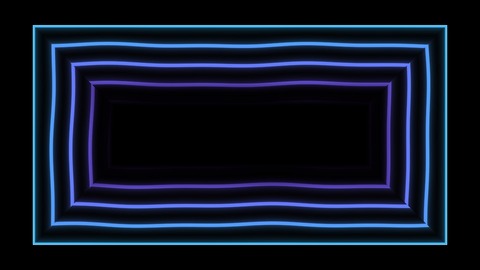
Sonar and contour lines rippling in from the edge.
Main settings: Colour · Inner colour · Spacing · Speed
Presets: Sonar, Contour map, Pulse in
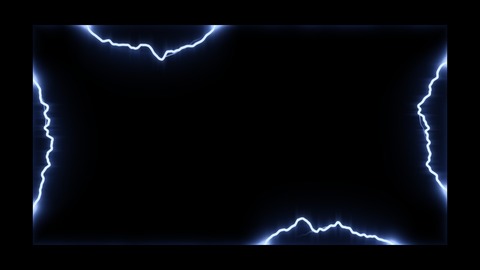
Tesla arcs crawling along the outline; kicks send surges round.
Main settings: Core colour · Glow colour · Reach · Speed
Presets: Tesla blue, Toxic crackle, Plasma arcs
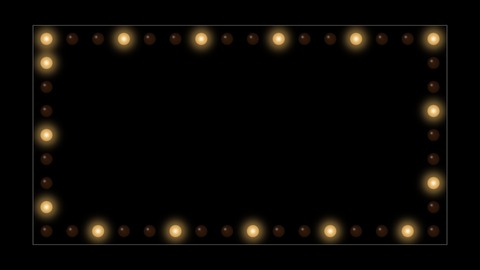
Theatre and carnival bulbs round a sign or a doorway.
Main settings: Bulb colour · Spacing · Pattern · Speed
Presets: Broadway, Carnival, Dressing room
Presets worth trying
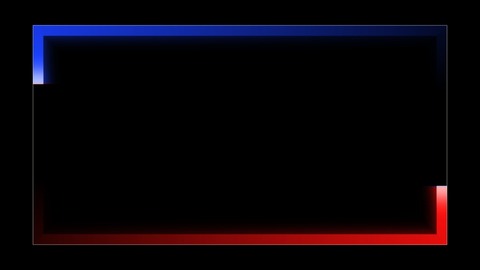
Red and blue lights racing round the edge.
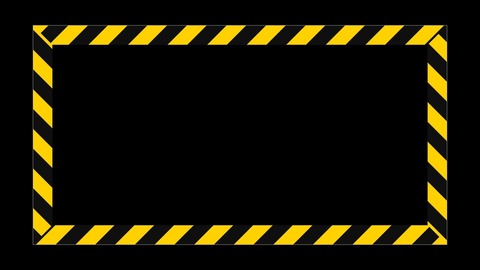
Yellow and black hazard tape marching round.
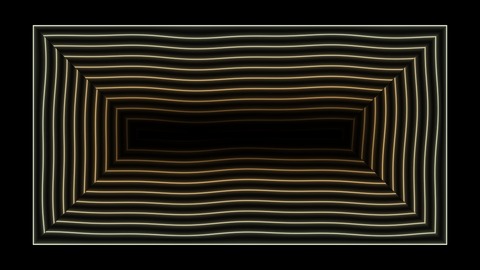
Fine contour lines, like a map of the shape.
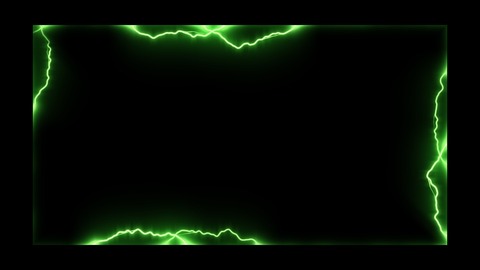
Green arcs crackling all along the outline.
6Audio-reactive
Looks that are driven by the sound itself. They idle gently in silence and come alive with music (see Sound and tempo).
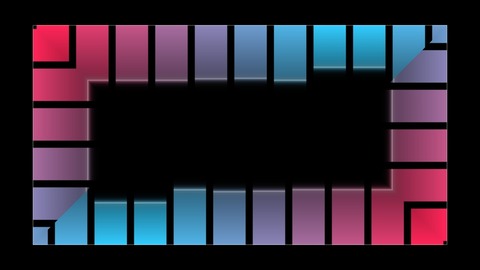
An outline that dances with the music, band by band.
Main settings: Bass colour · Treble colour · Depth
Presets: Club, Fire ring, Equaliser
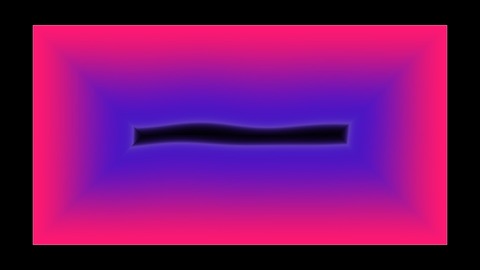
Colour swelling in from the edges with every bass note.
Main settings: Edge colour · Front colour · Front glow
Presets: Magenta tide, Lava, Deep sea

A flash on every beat or drum hit (120 BPM until music plays).
Main settings: Colour · Length · Fade
Presets: White strobe, Kick flash, Rainbow chase
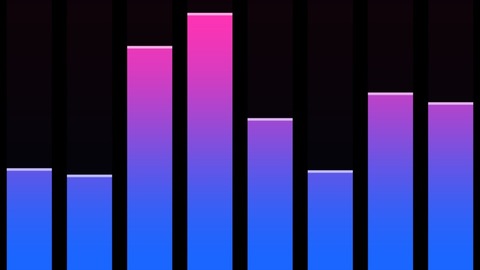
The classic equaliser: bars from the bass to the treble.
Main settings: Bottom colour · Top colour · Bars grow · LED blocks
Presets: Classic, LED stack, Horizon
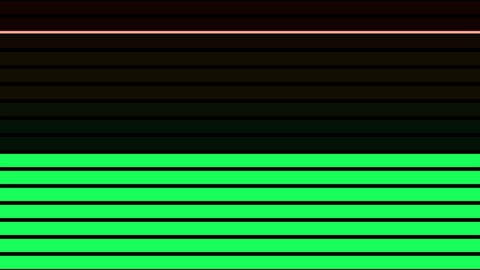
A studio level meter filling the surface.
Main settings: Fills · Low colour · High colour · LED blocks
Presets: Studio meter, Bass column, Treble sweep
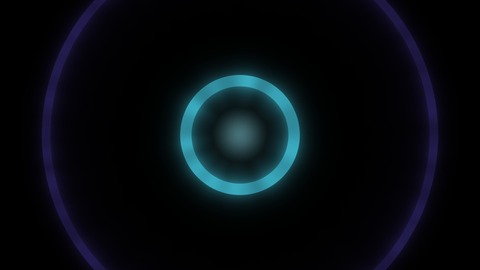
A ring of light bursting out on every kick drum.
Main settings: Colour · Fading colour · Ring life · Ring width
Presets: Sonar ping, Shockwave, Rain drop
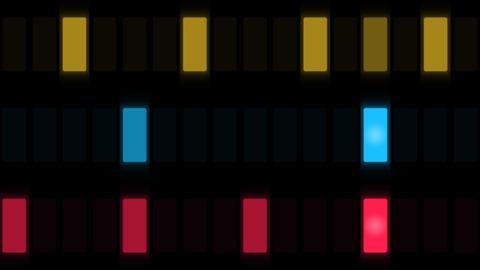
A drum machine’s pad grid stepping with the beat.
Main settings: Kick colour · Snare colour · Steps · Pattern
Presets: Drum machine, Neon snake, Beat rain
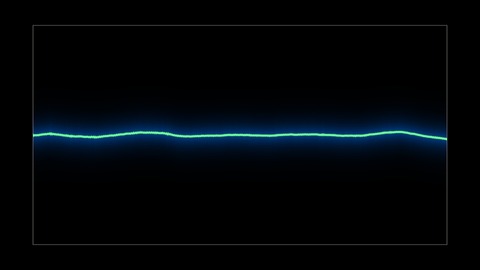
The live waveform or spectrum as a glowing trace.
Main settings: Colour · Shape · Line width · Height
Presets: Green scope, Neon ring, Mirrored spectrum
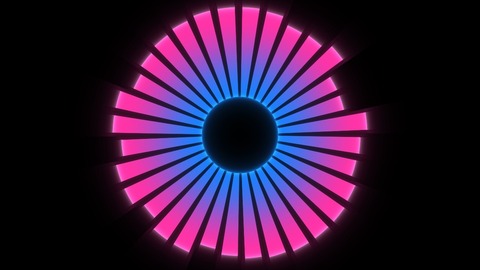
A circular equaliser: bars, petals or a glowing ring.
Main settings: Inner colour · Outer colour · Style · Bars
Presets: Neon bloom, Sunflower, Halo
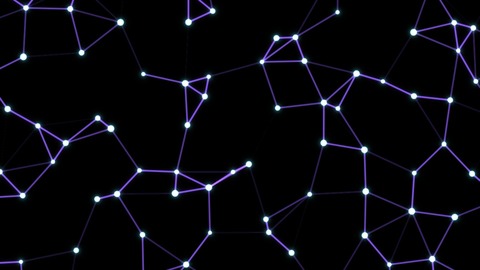
A plexus network that swells and flares with the bass.
Main settings: Particles · Links · Particles across · Speed
Presets: Plexus, Constellation, Bass web
Presets worth trying
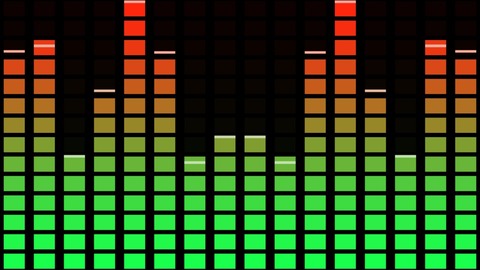
LED blocks with peak caps: the classic club meter.
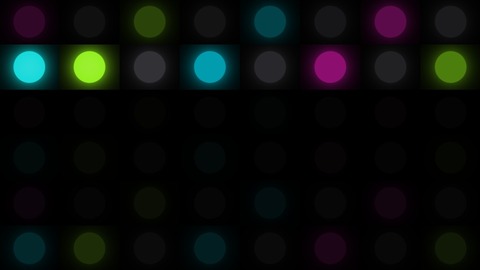
Neon pads lighting up in a snake.
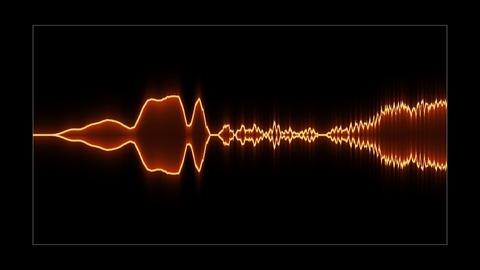
The music’s spectrum, mirrored as a glowing trace.
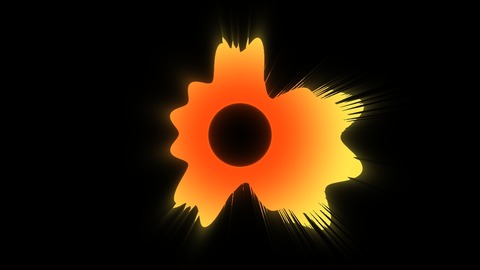
Flame-coloured petals that open with the music.
7Patterns
Neon edges, scanlines, plasma, sparkles, tiles and blueprints.
Picking out a shape’s edges in neon: the classic outline look.
Main settings: Colour · Width · Intensity · Pulse rate
Presets: Neon, Soft halo, Alarm

Scanner sweeps, retro CRT bands and speed lines.
Main settings: Colour · Bands · Speed · Direction
Presets: Scanner, Retro CRT, Diagonal rush
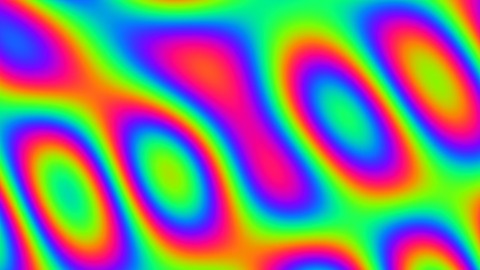
Bright, hypnotic filler for club nights, with a demoscene feel.
Main settings: Palette · Scale · Speed
Presets: Slow sunset, Ocean, Neon rush
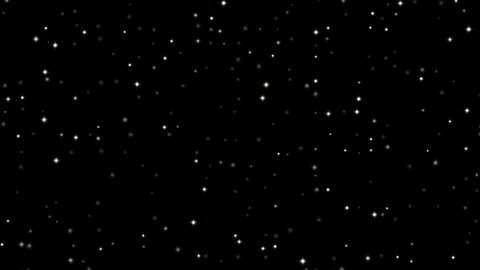
Twinkles over another look: stars, glitter, frost.
Main settings: Density · Size · Colour · Twinkle rate
Presets: Starfield, Gold dust, Frost
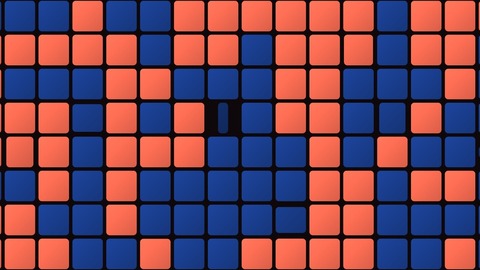
Playful flipping mosaics on facades and panels.
Main settings: Tiles · Colour A · Colour B · Flip rate
Presets: Coral & navy, Checkerboard, Mint pop
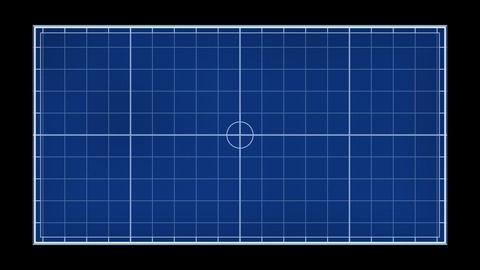
Technical-drawing looks for architecture shows and reveals.
Main settings: Line colour · Grid density · Paper colour
Presets: Classic, Night grid, Drafting paper
Presets worth trying
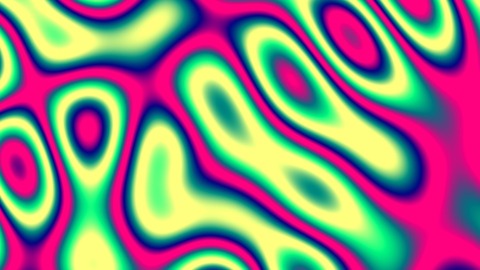
Hot pink, yellow and green, moving fast.
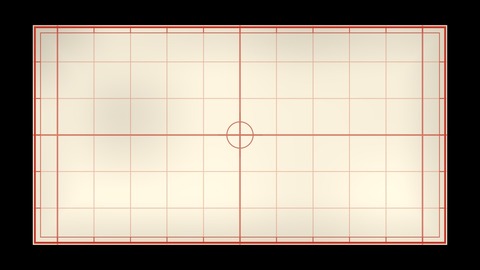
Red lines on cream drafting paper.
8Geometric
Stripes, checks, spirals, tunnels, grids, mandalas, fractals and turning 3D shapes.
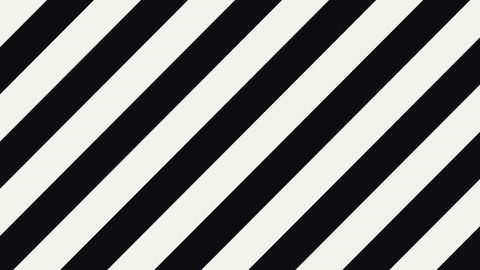
Warning tape, barcodes and bold graphic bars.
Main settings: Stripe colour · Palette · Stripes · Speed
Presets: Warning tape, Barcode, Candy waves
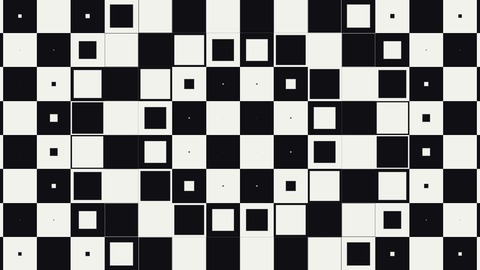
Op-art floors, racing flags and endless-floor illusions.
Main settings: Colour A · Palette · Squares · Speed
Presets: Op-art wave, Endless floor, Racing flag
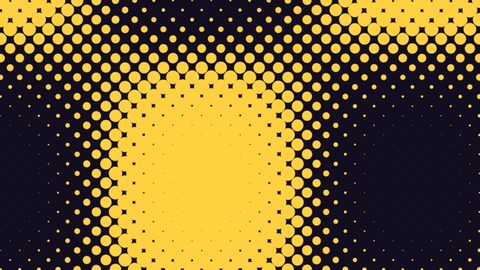
Pop-art and newsprint dots that ripple.
Main settings: Dot colour · Background · Dots across · Speed
Presets: Pop art, Ripple squares, Newsprint lines
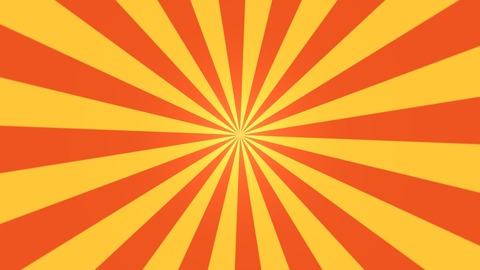
Circus posters, rising suns and hypnotic spirals.
Main settings: Ray colour · Palette · Rays · Turns per second
Presets: Circus, Hypno spiral, Rising sun
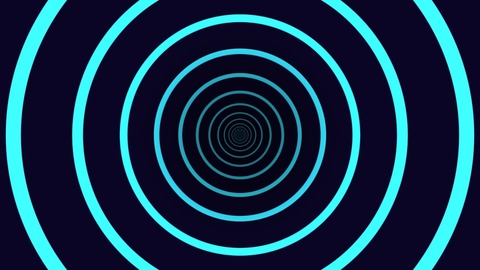
Rushing tunnels for doorways and walk-throughs.
Main settings: Colour A · Palette · Density · Speed
Presets: Neon rings, Checker vortex, Hex warp
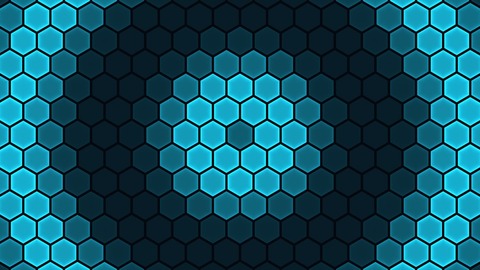
Sci-fi honeycombs, sonar pings and data blinks.
Main settings: Colour · Palette · Cells across · Speed
Presets: Sonar, Honey sweep, Data blink
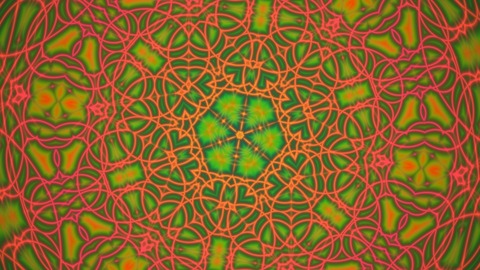
Jewel-like mandalas for psychedelic and chill-out moments.
Main settings: Mirrors · Palette · Speed · Zoom
Presets: Jewels, Rose window, Neon mandala
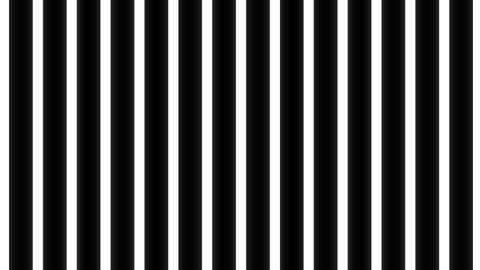
MadMapper-style line work, locked to the beat.
Main settings: Line colour · Pattern · Lines · Move speed
Presets: Beat glide, Neon tunnel, Cell cascade
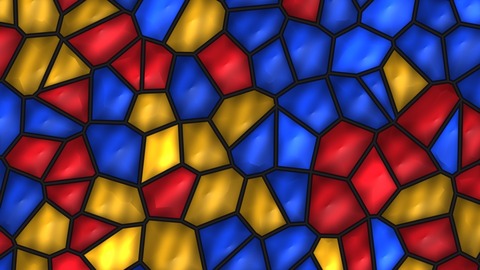
Stained glass, neon cells or living tissue.
Main settings: Palette · Fill · Cells across · Speed
Presets: Stained glass, Neon cells, Cell culture
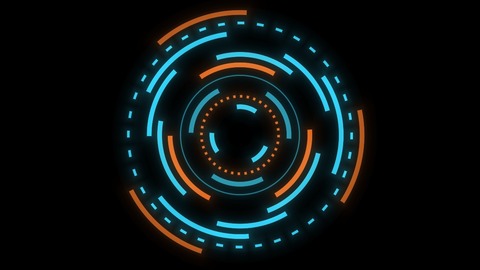
HUD dials, radar screens and sci-fi interfaces.
Main settings: Colour · Accent colour · Rings · Speed
Presets: HUD, Sun dial, Radar
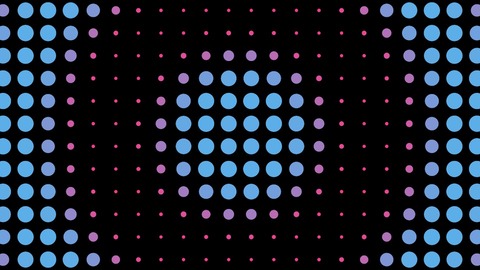
Grids of shapes that pulse, spin and flip in waves on the beat.
Main settings: Colour · Shape · Shapes across · Speed
Presets: Pulse dots, Flip tiles, Beat crosses
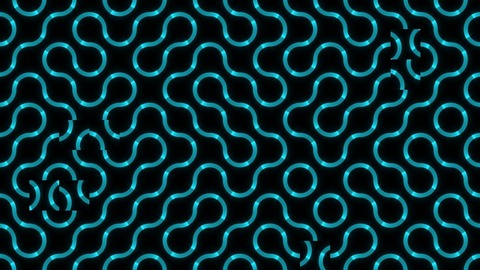
Endless flowing lines and mazes that carry on across surfaces.
Main settings: Lines · Style · Tiles across · Flow speed
Presets: Neon flow, Hex weave, Bold triangles
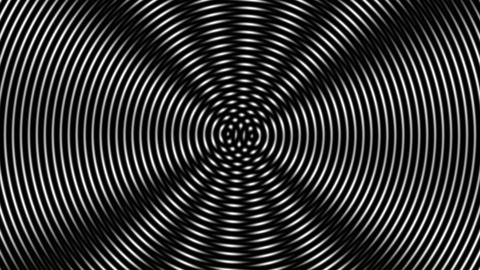
Op-art interference that plays tricks on the eye, without shimmer.
Main settings: Light · Pattern · Lines across · Speed
Presets: Op-art rings, Silk lines, Spoke vortex
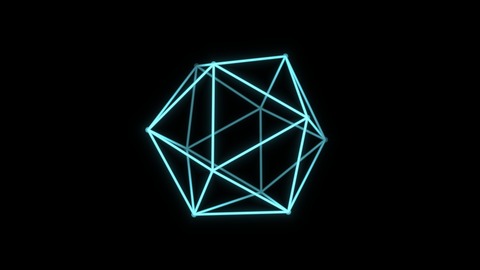
Glowing 3D solids and globes turning in space.
Main settings: Colour · Shape · Size · Spin
Presets: Icosahedron, Neon cube, Globe
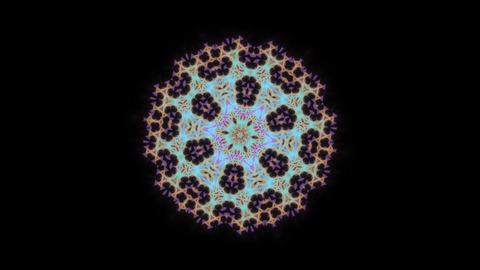
Snowflakes, mandalas and fractal lace that slowly breathe.
Main settings: Palette · Mirrors · Zoom · Morph speed
Presets: Jewel mandala, Frost fern, Fire lace
Presets worth trying
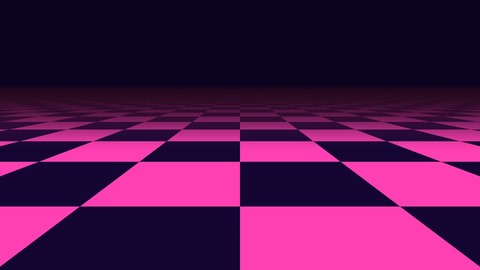
A neon floor running off to the horizon.
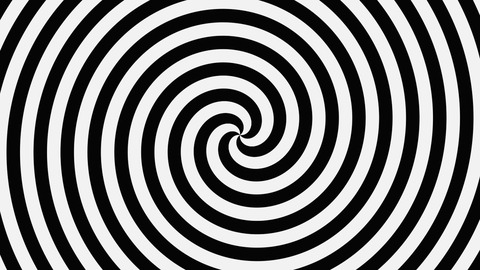
A black and white hypnotic spiral.
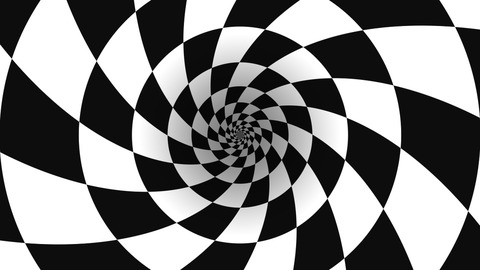
A twisting checkered vortex.
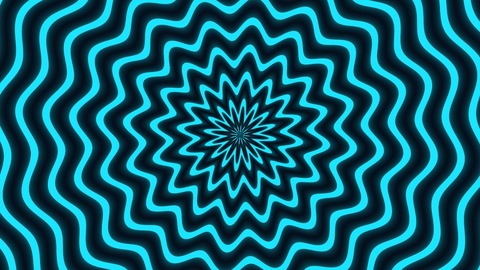
Zigzag rings rushing inwards.
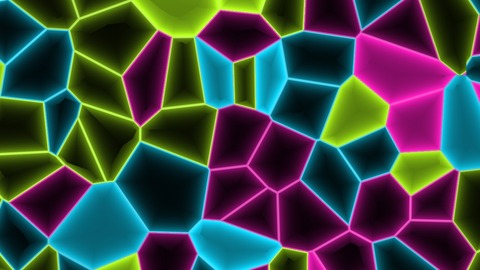
Glowing outlines of shifting cells.
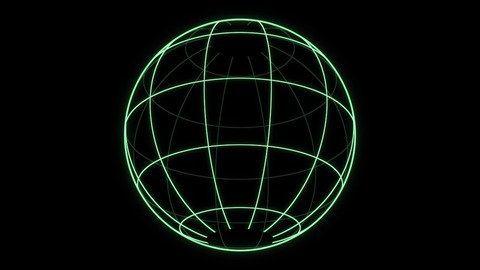
A wireframe globe turning in space.
9Organic
Soft, flowing, natural movement: noise, marble, fire, water light and lava-lamp blobs.
Slow, fluid backgrounds for lobbies and chill-out rooms.
Main settings: Middle colour · Highlight colour · Scale · Speed
Presets: Deep sea, Lava lamp, Aurora
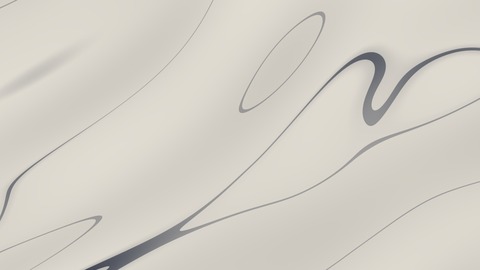
Stone that flows: marble facades, black and gold, jade.
Main settings: Stone colour · Vein colour · Vein scale · Flow speed
Presets: Carrara, Black & gold, Jade
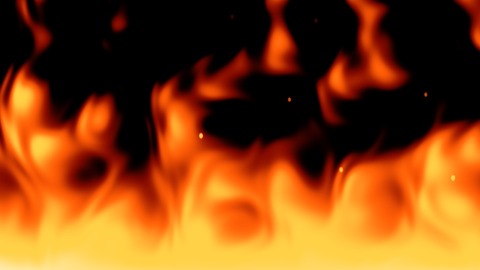
Flames rising from the bottom edge: fireplaces, hell gates, campfires.
Main settings: Intensity · Flame height · Colour · Speed
Presets: Campfire, Gas burner, Witch fire
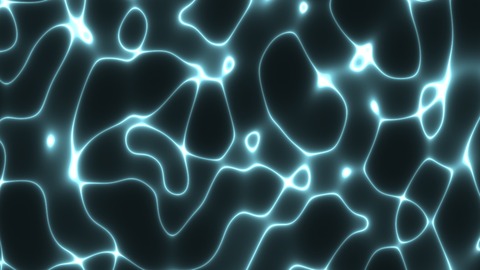
Sunlight on water: pools, aquariums, underwater scenes.
Main settings: Light colour · Scale · Speed
Presets: Pool, Deep ocean, Golden shallows
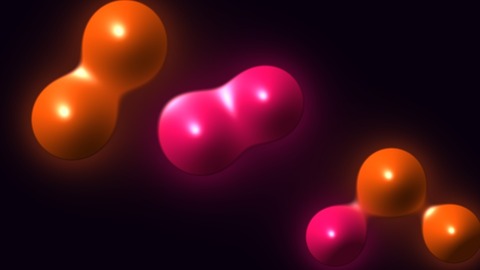
Lava lamps and slow organic blobs that can swell with the bass.
Main settings: Colour A · Colour B · Size · Speed
Presets: Lava lamp, Neon contours, Mercury
Presets worth trying
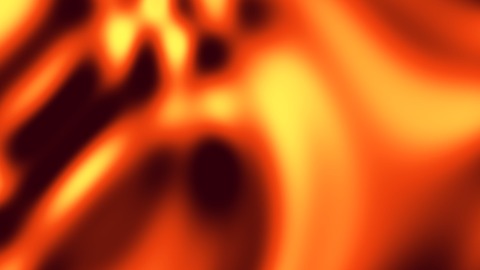
Molten orange swirls.
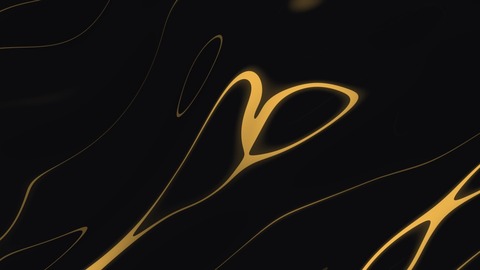
Gold veins flowing through black stone.
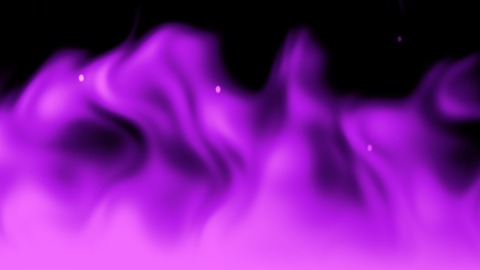
Violet and pink magic flames.
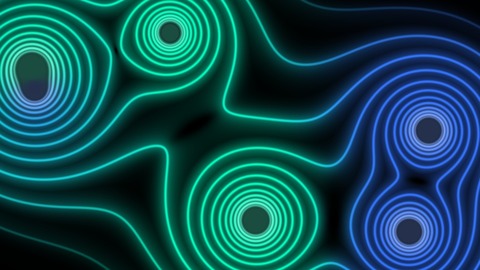
Contour rings round blobs that merge and split.
10Nature & elements
Weather and sky. Most are see-through between the drops, flakes or stars, so they fall over any other look.
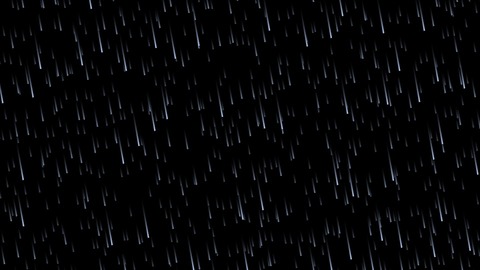
Rain over any look: windows, storms, moody scenes.
Main settings: Colour · Density · Speed
Presets: Shower, Storm, Neon drizzle
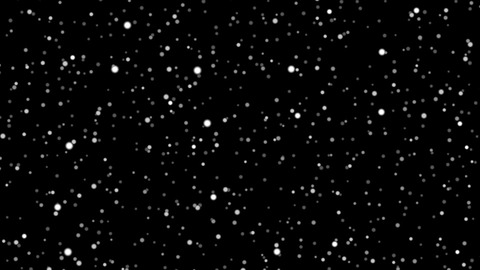
Snowfall or blossom over any look.
Main settings: Colour · Density · Flake size · Speed
Presets: Gentle snow, Blizzard, Blossom
Skies and storm fronts, or see-through drifting smoke.
Main settings: Sky top · Cloud colour · Coverage · Speed
Presets: Summer sky, Storm front, Drifting smoke
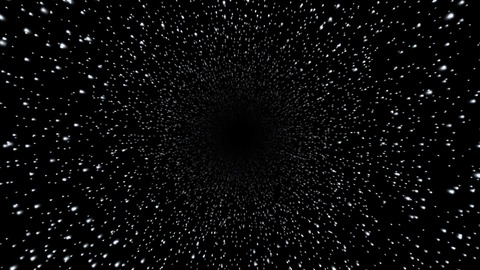
Space flights, hyperspace jumps and starry nights.
Main settings: Colour · Speed · Density · Warp streaks
Presets: Deep space, Hyperspace, Golden drift
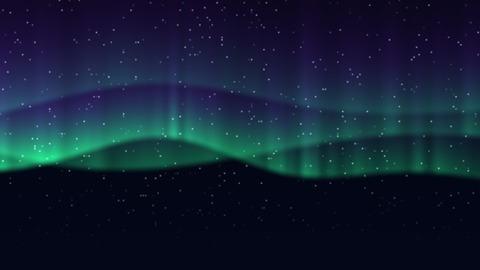
Northern lights for ceilings and calm moments.
Main settings: Hem colour · Top colour · Height · Speed
Presets: Northern lights, Pink dawn, Solar storm

Storm strikes over other looks, see-through between strikes.
Main settings: Colour · Strikes per second · Thickness
Presets: Thunderstorm, Violet energy, Distant flicker
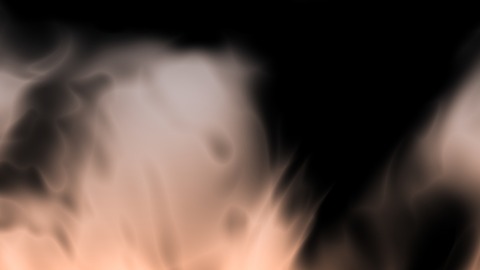
See-through smoke or ground fog for spooky and stage scenes.
Main settings: Smoke colour · Light from below · Density · Rise speed
Presets: Stage smoke, Ground fog, Toxic fumes
Presets worth trying
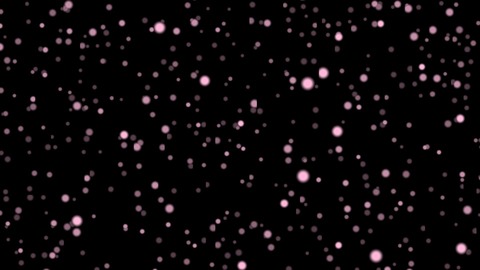
Pink blossom drifting down instead of snow.
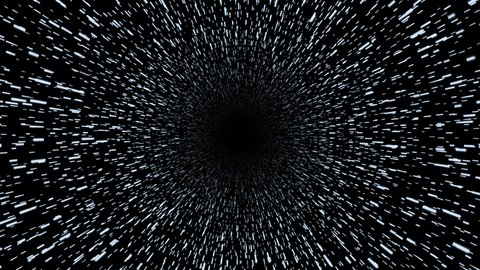
Stars stretched into hyperspace streaks.
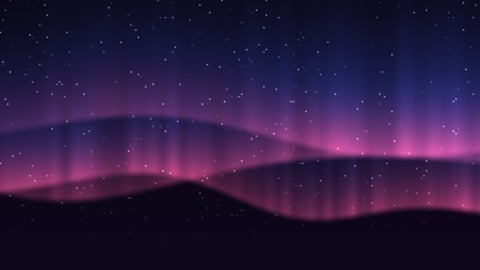
Pink and blue curtains of light.
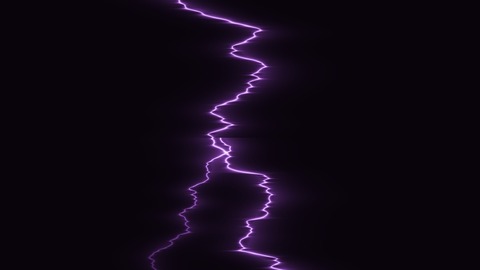
A violet bolt crackling down.
11Retro & glitch
Screens, static, synthwave and pixels.
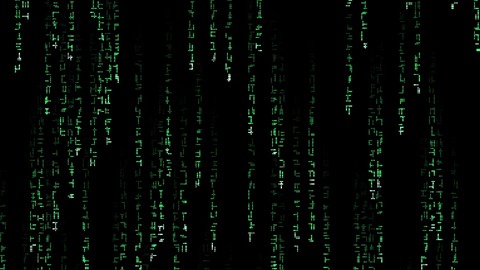
Digital rain and hacker screens.
Main settings: Colour · Columns · Speed
Presets: Digital rain, Blue data, Amber terminal
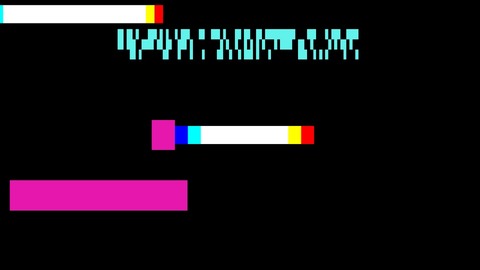
Breaking up any look with digital corruption.
Main settings: Amount · Changes per second · Colour A · Colour B
Presets: Corrupted, Meltdown, Occasional blip
Dead-channel TVs and analogue noise.
Main settings: Tint · Grain size · Speed
Presets: Dead channel, Green monitor, Coarse noise
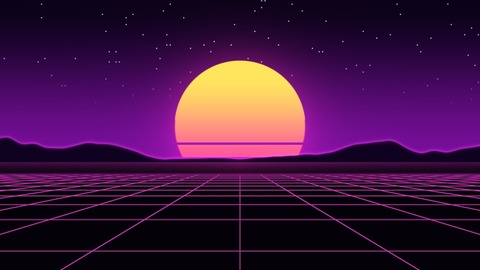
80s outrun sunsets with a rolling neon grid.
Main settings: Sun top · Grid colour · Speed · Sun size
Presets: Outrun, Cyber teal, Low sun
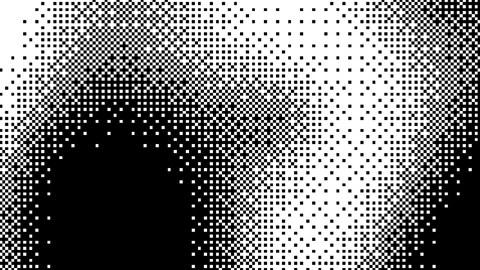
Crisp 1-bit pixel art: Game Boy greens, amber screens.
Main settings: Light · Dark · Pixel size · Speed
Presets: 1-bit plasma, Game Boy, Amber rings
Presets worth trying
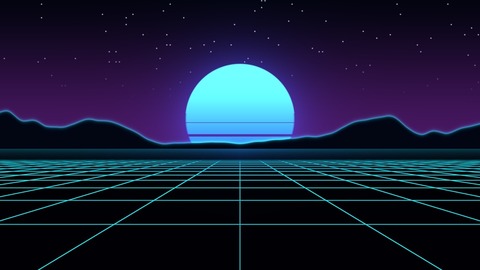
A teal sun over a cyan grid.
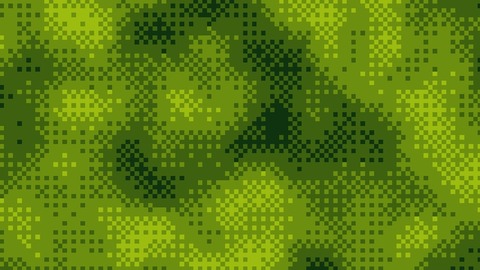
Green 1-bit pixels, like an old handheld console.
12Illusions
The projection-mapping tricks: things that seem to happen to the real surface. Most play by themselves on a loop, or follow Progress.
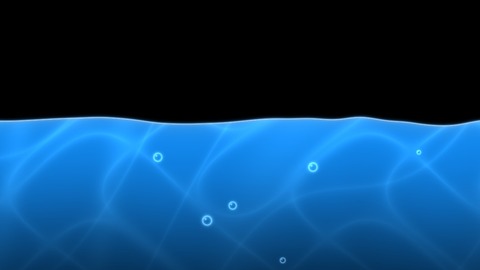
A surface filling up with water, bubbles and light.
Main settings: Auto-play · Water colour · Waves · Speed
Presets: Flood, Tropical lagoon, Rising slime
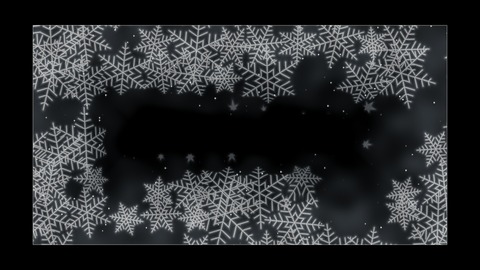
Ice creeping in from the edges, then thawing.
Main settings: Auto-play · Ice colour · Thickness · Crystal size
Presets: Window frost, Deep freeze, Hoarfrost
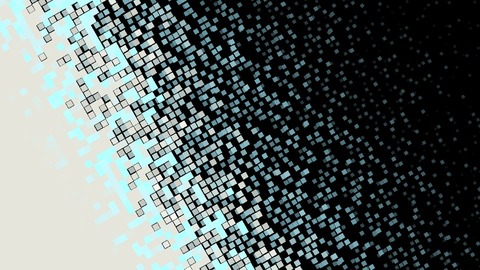
A surface crumbling into pixels, then flying back together.
Main settings: Auto-play · Colour · Pixels across · Glow colour
Presets: Digital dust, Ashes, Big blocks
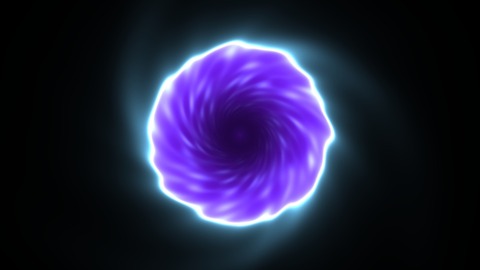
A swirling vortex tearing open in a wall or a door.
Main settings: Auto-play · Rim colour · Depth colour · Size
Presets: Blue vortex, Hell gate, Green rift
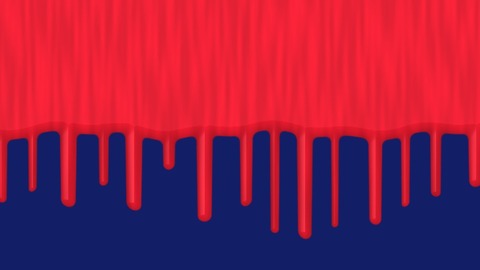
Paint pouring over the top edge and flooding the surface.
Main settings: Auto-play · Paint colour · Colour underneath · Drip length
Presets: Red over blue, Gold drip reveal, Slime
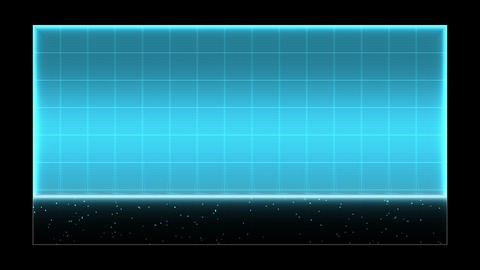
Sci-fi materialise and dematerialise effects.
Main settings: Auto-play · Colour · Scanlines
Presets: Sci-fi blue, Glitchy red, Calm green
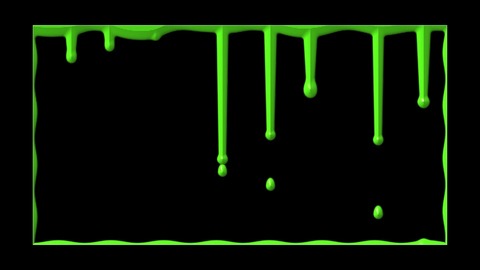
Slime, blood or honey oozing over the top edge.
Main settings: Colour · Progress · Runniness · Drip length
Presets: Toxic slime, Blood, Honey
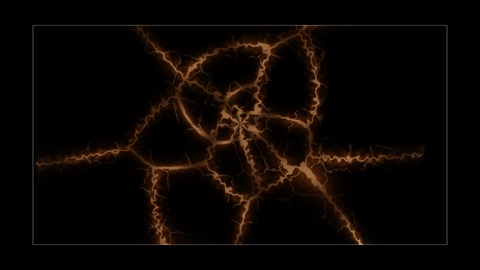
Walls cracking open, glowing or dark, from a point or the edges.
Main settings: Style · Glow colour · Auto-play · Crack size
Presets: Lava cracks, Cracked wall, Energy rift
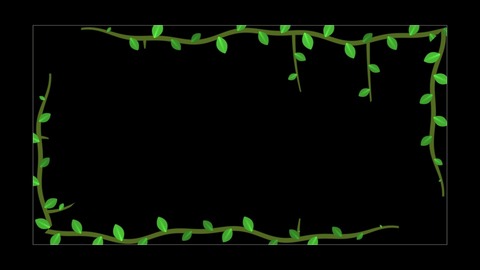
Ivy growing round the outline, with leaves and flowers.
Main settings: Leaf colour · Auto-play · Reach · Flowers
Presets: Ivy, Blossom, Enchanted
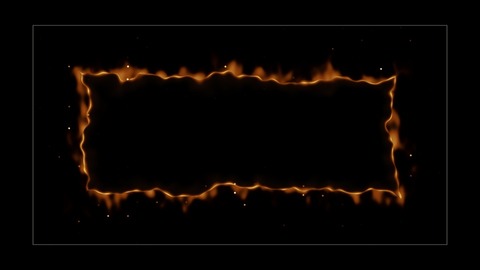
Paper burning away from the outline, embers and all.
Main settings: Fire colour · Auto-play · Flames · Char
Presets: Burn away, Burning paper, Hellfire
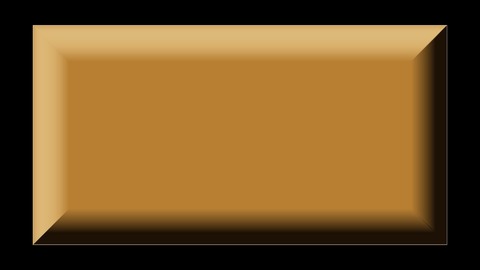
Flat panels that look raised or carved, lit by a moving light.
Main settings: Face colour · Bevel width · Profile · Speed
Presets: Brass plate, Carved stone, Glass tile
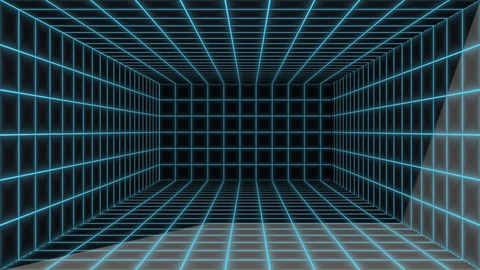
A hole in the wall: an alcove, a little room, a trapdoor.
Main settings: Walls · Grid colour · Depth · Speed
Presets: Neon room, Sunlit alcove, Trapdoor
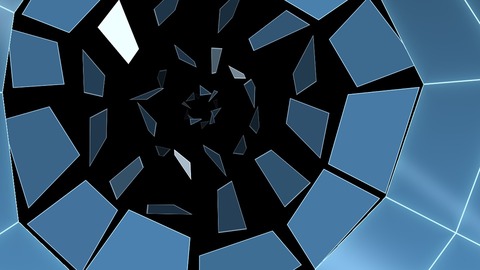
Glass smashing and falling away, then flying back.
Main settings: Auto-play · Glass colour · Crack glow · Cracks
Presets: Window pane, Molten burst, Mirror crash
Presets worth trying
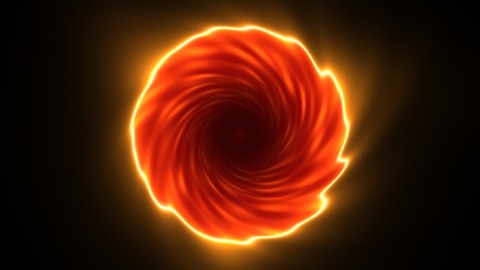
A fiery red vortex: a gate to somewhere hot.
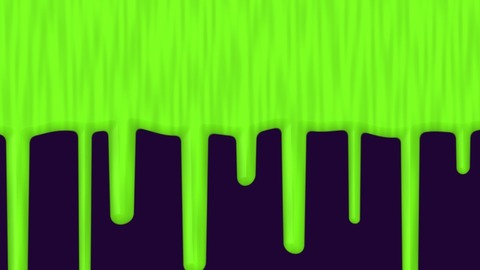
Green slime pouring over the top edge.
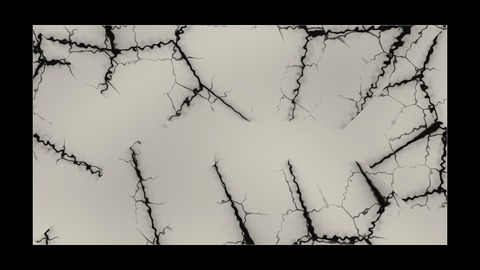
Dark cracks spreading across a pale wall.
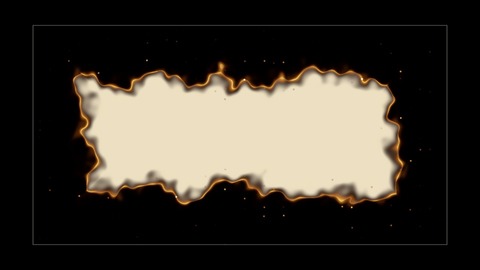
A sheet of paper burning away from its edges.
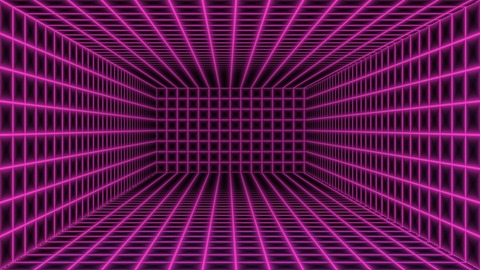
A neon grid room sunk into the wall.
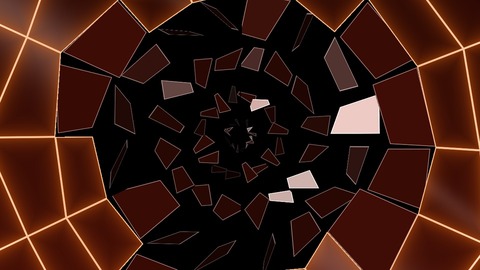
Glowing red cracks bursting the pane.
13Wipes & reveals
Changes from one state to another. Each side can be see-through, so a wipe can reveal or cover what is below it.

A straight wipe to reveal, cover or change colour.
Main settings: Auto-play · Direction · Colour A (before) · Colour B (after)
Presets: Colour sweep, Reveal from black, Soft diagonal
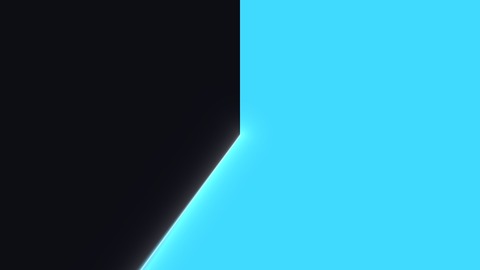
Radar sweeps and countdown reveals.
Main settings: Auto-play · Blades · Colour A (before) · Colour B (after)
Presets: Radar, Countdown reveal, Fan blades
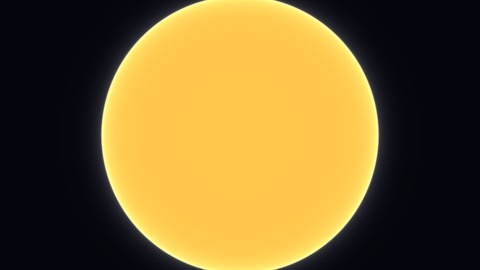
A circle, star, heart or hexagon opening from a point.
Main settings: Auto-play · Shape · Colour A (before) · Colour B (after)
Presets: Spotlight open, Spinning star, Diamond pop
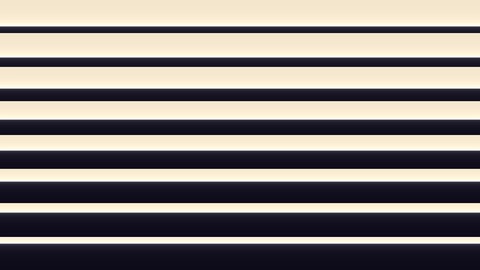
Shutter and venetian-blind reveals.
Main settings: Auto-play · Slats · Colour A (before) · Colour B (after)
Presets: Shutters, Venetian reveal, Cascade
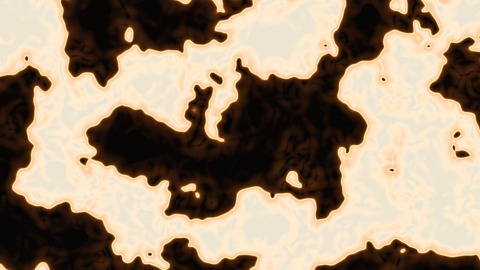
Burning-paper and rising-ink reveals.
Main settings: Auto-play · Patch size · Colour A (before) · Colour B (after)
Presets: Burning paper, Burn away, Ink rising
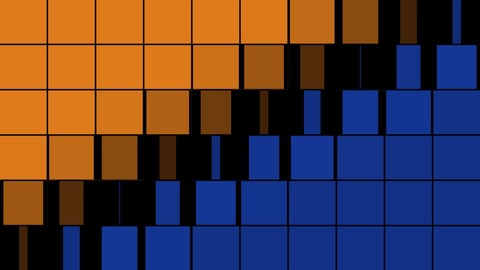
Facades that flip over tile by tile or brick by brick.
Main settings: Auto-play · Colour A (before) · Colour B (after) · Columns
Presets: Colour flip, Facade build, Falling hexes
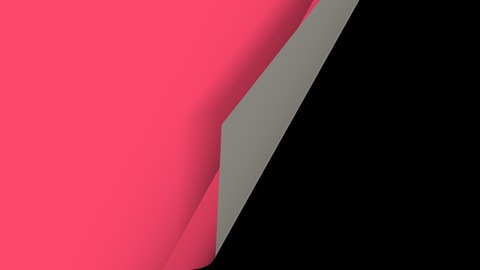
A sticker or a page peeling off to show what is underneath.
Main settings: Auto-play · Sticker colour · Corner · Curl
Presets: Sticker, Page turn, Reveal the wall
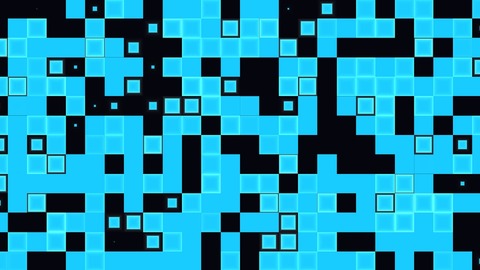
Squares or hexagons popping over at random or in a sweep.
Main settings: Auto-play · Tiles across · Colour A (before) · Colour B (after)
Presets: Pixel pop, Honeycomb spiral, Triangle sweep
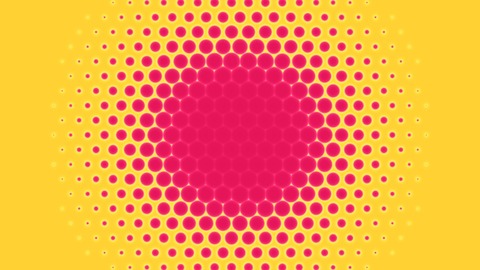
Polka dots growing into a curtain that covers or reveals.
Main settings: Auto-play · Dots across · Colour A (before) · Colour B (after)
Presets: Polka curtain, Diagonal wave, Dot reveal
Presets worth trying
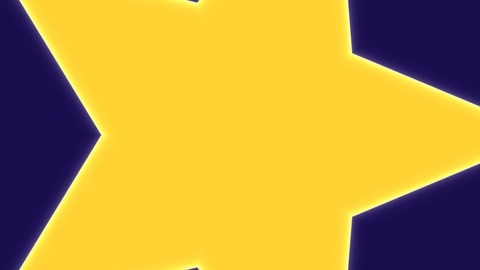
A spinning star opening from the middle.
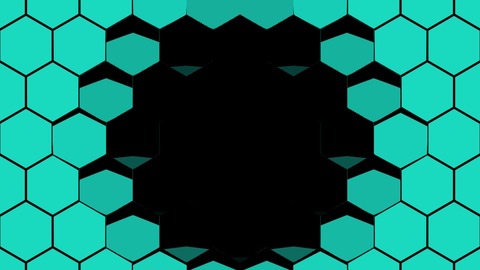
Hexagons falling away to show what is below.

A page turning over from its corner.
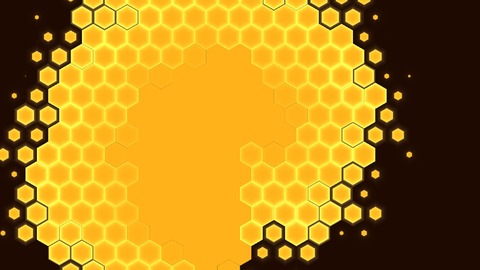
Hexagons popping over in a spiral.
14Utility
Tools for setting up.
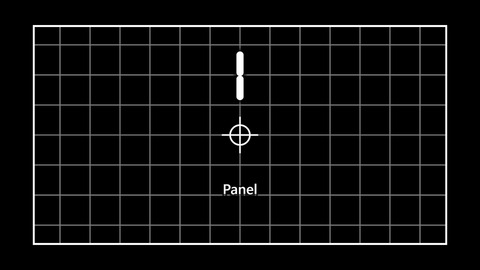
Aligning surfaces to the real object: a crooked line shows at once. The big number is the surface’s place in the surface list (1 at the top).
Main settings: Cell size · Line width · Colour
Presets: Fine white, Bold yellow, Green
15Media & text
Your own pictures, videos and words. See Images, video and text.
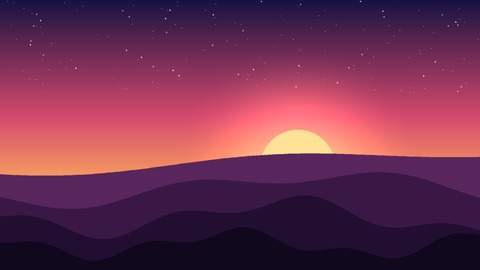
Your own picture on a surface, still or with a liquid drift.
Main settings: Image · Zoom · Flow speed · Distortion
Presets: Still, Gentle flow, Liquid dream
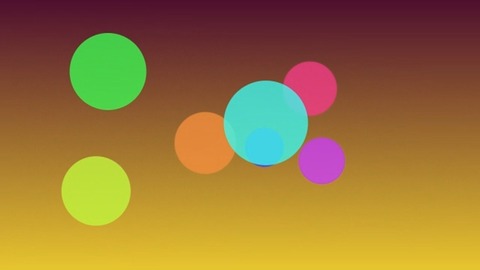
Your own clips, kept in sync on every projector and restarted on cue.
Main settings: Video · Clip speed · Tint · Brightness
Presets: Normal, Slow & warm, Cool & dim
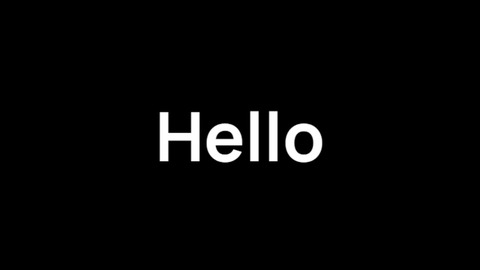
Titles, names, tickers and messages, still, scrolling or typed out.
Main settings: Text · Font · Size (× surface height) · Colour
Presets: Title, Ticker, Terminal
16Hints and tips
- Start from a preset. Most looks have three. In the look panel, Presets are one click each, and Defaults takes you back.
- Stack a see-through look over a plain one. Rain over Clouds, Sparkle over Liquid Marble, Light Sweep over a picture: add a layer and pick the second look for it.
- Transitions on a cue. Set a wipe’s Auto-play to once and turn on Restart on cue (Advanced), and it plays from the start each time a cue brings it in.
- Outline looks suit any shape. They follow circles, polygons and drawn shapes, and every hole has its own outline.
- Across several surfaces. Surface Chase and Scene Wave light your surfaces one after another. Any look put on Whole scene carries on across them as one picture.
- More looks. The packs combine these looks into ready-made sets with their automation, and AI can write new ones.
17When something looks wrong
| You see | Why | Fix |
|---|---|---|
| Black where the look should be | A see-through look with nothing below it, or a transition at its start (Progress 0). | Put a look on a layer underneath; for a transition, check Auto-play or move Progress. |
| A music look hardly moves | No sound is coming in, or its Audio amount is 0. | Start a sound source (Sound and tempo), then turn up Audio amount in the look’s Audio group. |
| A transition sits still | Auto-play is off, so it waits for Progress. | Set Auto-play to loop, bounce or once, or drive Progress with a fader or a ramp. |
| A diagonal crease inside an outline look | Deep inside a shape the “nearest edge” switches sides (at a rectangle’s diagonals). | Keep the effect near the edge: lower its width, reach or depth. |
| Lines or dashes look too thin | They are set in pixels, and your surface is big. | Raise the look’s width or size settings. |
| Surface Chase lights everything at once | There is only one surface, so every step lands on it. | Use it on several surfaces; the order is the Surfaces list, top first. |